Electrical wiring for a home office means running dedicated circuits, data lines, and surge protection sized for computers, monitors, and network gear — not the lighting circuit a bedroom was built on. Remote workers in Port St. Lucie, Stuart, and Jensen Beach are pulling more continuous load out of one room than the original wiring was ever designed to carry, and that gap shows up as tripped breakers, flickering monitors, and dropped video calls at the worst possible moment.
- Electrical wiring for a home office needs at least one dedicated 20-amp circuit separate from lighting and bedroom outlets.
- Imperium Electric recommends surge protection at the panel before adding a second monitor, printer, or backup power setup.
- Older Treasure Coast homes on 100-amp panels often need a panel upgrade before a home office can run modern equipment.
- Hardwired Cat6 data lines, not just Wi-Fi, cut the video-call dropouts that cost remote workers billable hours.
Why this matters for remote workers
A home office isn't a spare bedroom with a desk in it. It's a room running a computer, two monitors, a printer, a router, sometimes a space heater or window AC unit, all day, five to seven days a week. That's a different load profile than the builder planned for when the house went up.
Most Florida homes built before the 2000s wired bedrooms on a shared 15-amp circuit meant for a lamp and a phone charger. Add a monitor, a laptop dock, a heater in January, and a printer, and that circuit trips. Low-voltage and data wiring solves the connectivity half of the problem. A dedicated circuit solves the power half. Skip either one and the setup fails under real daily use, not just during a hurricane-season power blip.
The verdict: if you're on video calls for a living, treat your 2026 home office wiring like a small commercial buildout, not a bedroom outlet swap.
How to wire a home office properly
Step 1: Audit your current outlets and circuits
Before buying anything, find out which circuit the room is actually on.
- Check the breaker panel label — most Florida homes over 15 years old have vague or missing labels
- Count outlets on the same circuit as your desk by tripping the breaker and seeing what goes dark
- Note the breaker amperage: 15-amp circuits are common in older bedrooms, 20-amp is standard in newer construction
- Confirm GFCI protection if the office shares a circuit with a bathroom or kitchen line
- Flag warm outlets, buzzing switches, or discolored cover plates — those are failure signs, not cosmetic issues
Step 2: Map your equipment load
List every device that runs during a work day and add up the draw before deciding what the circuit needs to carry.
- Desktop computer and dual monitors — light but continuous
- Laser printer — spikes hard when printing, idles low otherwise
- Space heater or portable AC unit — the single biggest draw in most home offices
- Network switch, router, and any camera or streaming gear
- UPS battery backup, if you run one for outages
A 15-amp circuit runs out of headroom fast once a space heater joins the mix. That combination is the most common breaker trip behind home office service calls.
Step 3: Add a dedicated circuit for the office
This is the core fix. A dedicated 20-amp circuit run straight to the panel, serving only the office, stops the monitor from flickering every time the AC compressor kicks on somewhere else in the house.
- One dedicated 20-amp circuit for desk equipment: computer, monitors, dock
- A second circuit if a space heater or window unit lives in the same room
- 12-gauge wire minimum for a 20-amp run, never 14-gauge
- Outlet placement planned around the actual desk layout, not the room's original furniture plan
- A clearly labeled breaker, not another line reading "bedroom 2"
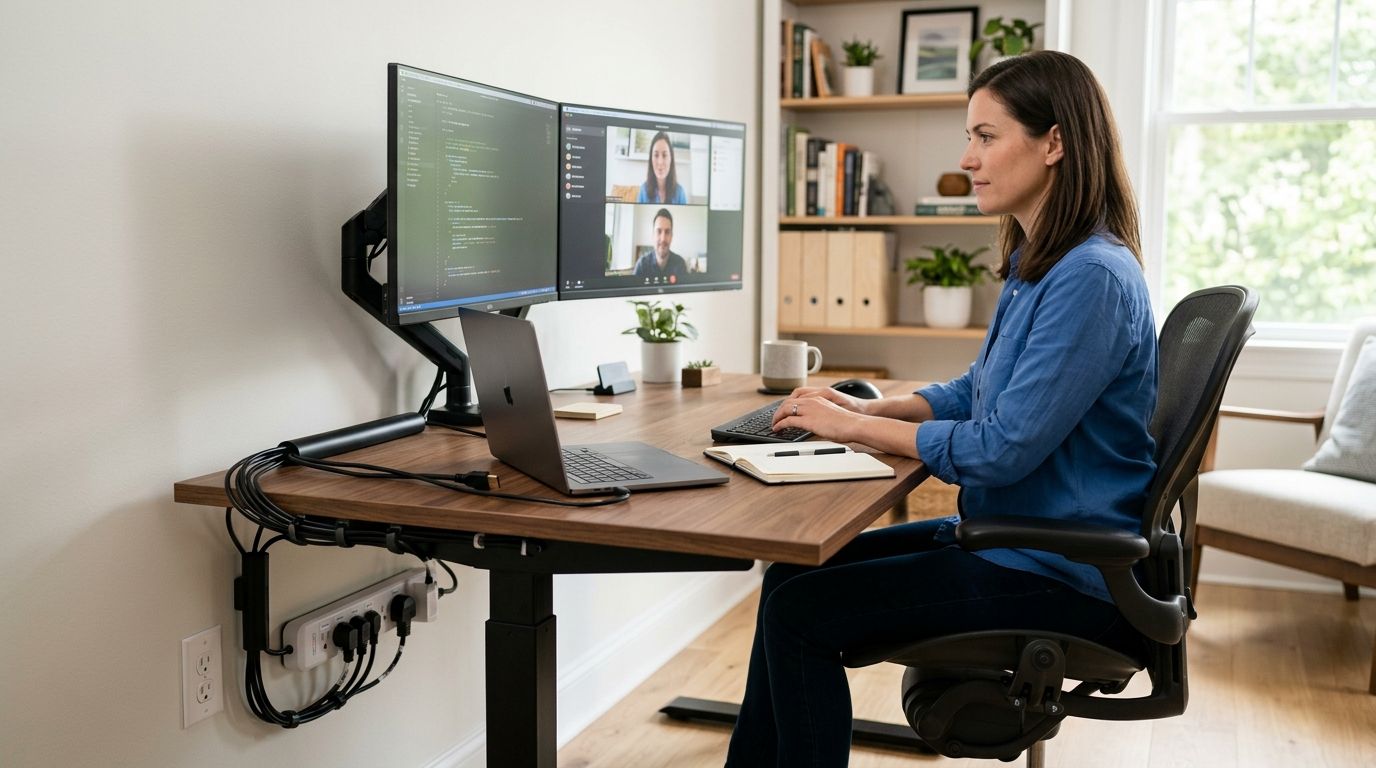
The DIY version stops at a power strip plugged into whatever outlet is closest. That's a workaround, not a fix, and it's why circuits trip during a 9 a.m. client call.
Step 4: Wire for data, not just power
Wi-Fi drops calls when a neighbor's network, a microwave, or a block wall gets in the way. Hardwired Ethernet doesn't have that problem.
- Run Cat6 from the router to the desk, even if it means an in-wall run
- Add a second data drop if two people work from the same house
- Mount the wireless access point centrally, not inside a closet
- Test upload speed on the wired connection, not just download
A licensed crew runs office data drops as a same-day job, and it's the difference between a call that survives a storm cell passing overhead and one that doesn't.
Step 5: Install surge protection
Florida's summer storm pattern makes voltage spikes routine, not rare. A workstation and a network switch don't survive many of those unprotected.
- Point-of-use surge strips at the desk — cheapest layer, weakest protection
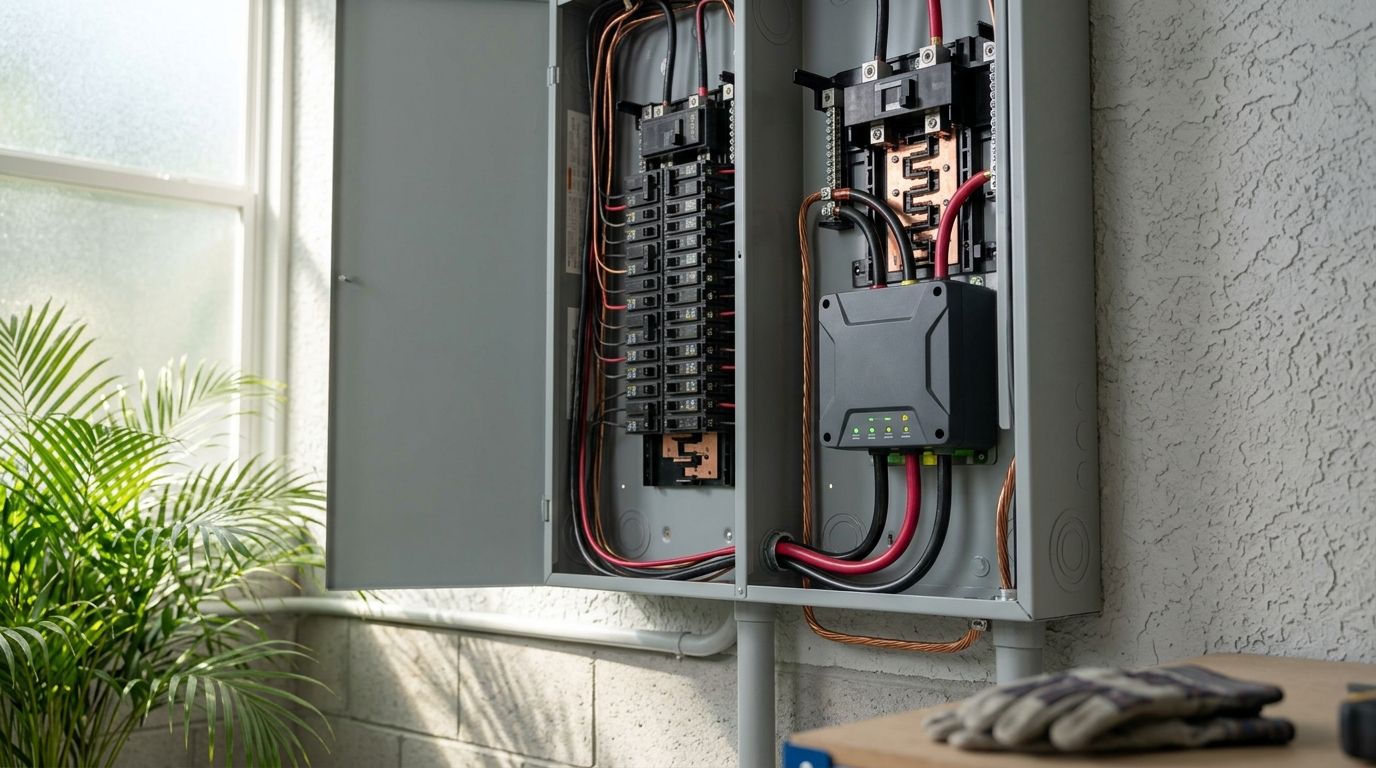
- Whole-panel surge protection at the breaker box — catches spikes before they reach any outlet
- Check whether your existing panel has surge protection at all; many older Treasure Coast panels don't
- Pair surge protection with a UPS for equipment that can't tolerate a momentary drop
If you're unsure how exposed your setup is, this guide on home surge protection covers the warning signs before you find out the hard way.
Step 6: Plan for outages before storm season
An office that goes dark during an outage is lost income, not an inconvenience. Decide upfront how much of the room needs to stay live: router and laptop only, or the full desk including monitors.
- A battery UPS covers short outages and buys time to save work
- A portable generator with a proper inlet and interlock covers longer outages
- A standby generator with an automatic transfer switch covers the office alongside the rest of the house
- Whatever you choose, the wiring gets done before hurricane season 2026, not during it
Step 7: Upgrade the panel if it's already full
If the panel is packed with double-tapped breakers or it's the original 100-amp panel from a 1980s build, adding an office circuit may not be possible without more capacity first.
- Count open breaker slots before assuming a new circuit is a simple add
- Older 100-amp panels frequently can't carry an office circuit plus a transfer switch plus AC
- Panel upgrades for older Port St. Lucie homes are routine work, not a red flag
- Panel work in St. Lucie County requires a permit and an inspection
Get your home office wiring quoted
Licensed and insured electricians serving Port St. Lucie, Stuart, and Jensen Beach.
Comparison: home office wiring options
| Option | Best for | Key limitation | Verdict |
|---|---|---|---|
| Power strip on existing circuit | Laptop-only, low-draw setups | Adds outlets, not amperage — still trips | Skip for full-time remote work |
| Dedicated 20-amp circuit | Single-desk home office | Needs an open breaker slot | Buy |
| Whole-panel surge protection | Any office with real equipment on the desk | Doesn't fix an undersized circuit on its own | Buy |
| Hardwired Cat6 data drop | Daily video calls and large file transfers | In-wall runs mean drywall patching | Buy |
| Panel upgrade plus new office circuit | Older homes at breaker capacity | Permit and inspection required in St. Lucie County | Buy if the panel is maxed |
| Standby generator tie-in | Offices that can't lose a full work day | Largest project of the group | Wait until the office circuit exists |
Common mistakes remote workers make
- Treating a power strip as a circuit fix. A strip multiplies outlets on the same 15 amps. The breaker still trips at the same load.
- Relying on Wi-Fi alone for calls. A hardwired connection is a bigger reliability upgrade than paying for a faster internet plan.
- Skipping surge protection until a monitor dies. Panel-level protection costs far less to install than replacing fried gear mid-project.
- Ignoring the panel's age. A home office on a 1980s 100-amp panel is a different job than the same desk on a modern 200-amp panel.
- Waiting until an outage to think about backup power. Deciding after the grid goes down means working from a coffee shop for a week.
One last thing
The failure that actually costs remote workers money in 2026 isn't a tripped breaker — it's a dead router and a fried monitor after a storm surge hit an unprotected panel. Whole-panel surge protection is the cheapest item on this entire list and the one homeowners skip most often. Imperium Electric is licensed and insured across Port St. Lucie, Stuart, Jensen Beach, and the wider Treasure Coast, and handles home office electrical wiring the way it handles commercial work: dedicated circuits, permitted panel work, done right, on time.
Related guides
- Residential electrician services for Jensen Beach homeowners
- Electrical quotes and estimates for Port St. Lucie homeowners
- How to choose an electrician in Port St. Lucie, FL
FAQ
What's the best electrical wiring setup for a home office?
A dedicated 20-amp circuit for desk equipment, hardwired Cat6 instead of Wi-Fi alone, and whole-panel surge protection cover the three most common failure points in a 2026 home office.
How many amps does a home office need?
A desk with a computer, monitors, and a printer runs comfortably on a dedicated 20-amp circuit. Add a space heater or window AC unit and plan for a second circuit.
Do I need a dedicated circuit for a home office?
Yes, if the office shares a circuit with bedroom outlets or lighting elsewhere in the house. Shared circuits are the most common cause of breaker trips during work calls.
Is Ethernet better than Wi-Fi for remote work?
A hardwired Ethernet connection is more reliable than Wi-Fi for video calls because it isn't affected by wall thickness, network congestion, or interference from other devices in the house.
How much does it cost to add a circuit to a home office?
Cost depends on the panel's open capacity and the length of the wire run from the panel to the desk. A licensed electrician can quote the job after inspecting both.
Can an older Florida house handle a home office setup?
Most can, but homes with a 100-amp panel or one already near capacity usually need a panel upgrade before a dedicated office circuit can be added safely.
Do I need surge protection for computer equipment in Florida?
Whole-panel surge protection is worth installing for any home office with a computer, monitors, and networking gear. Florida's summer storm season produces frequent voltage spikes.
Does a home office circuit need a permit in St. Lucie County?
Panel work requires a permit and inspection in St. Lucie County. Confirm scope with a licensed electrician before any work starts so the inspection isn't a surprise.