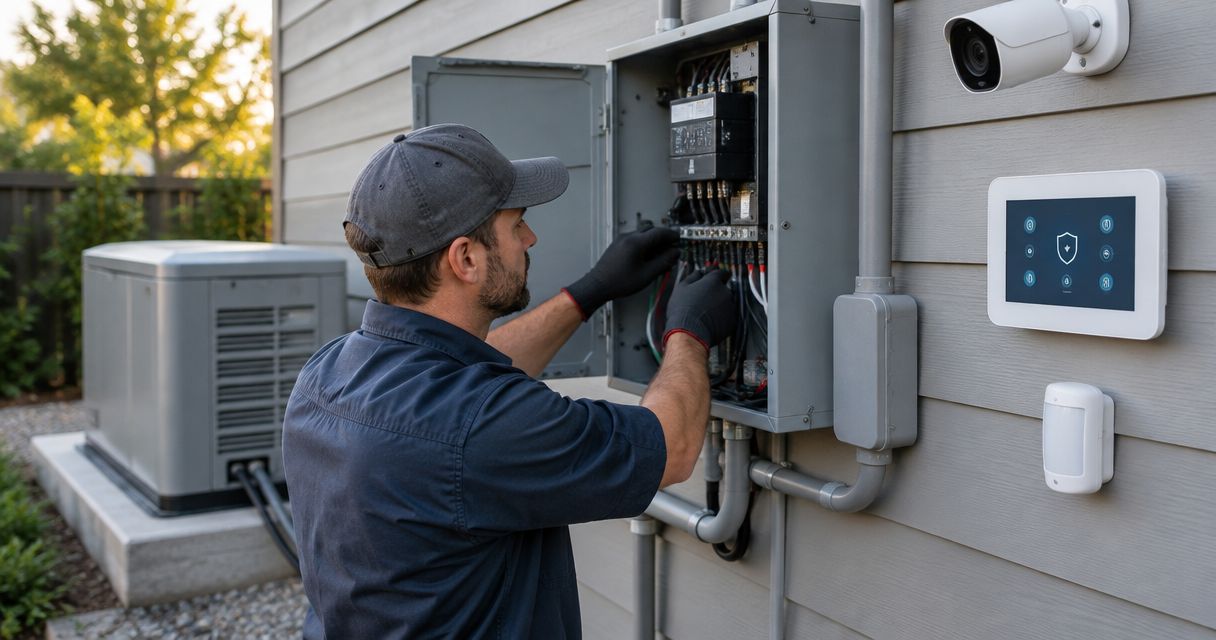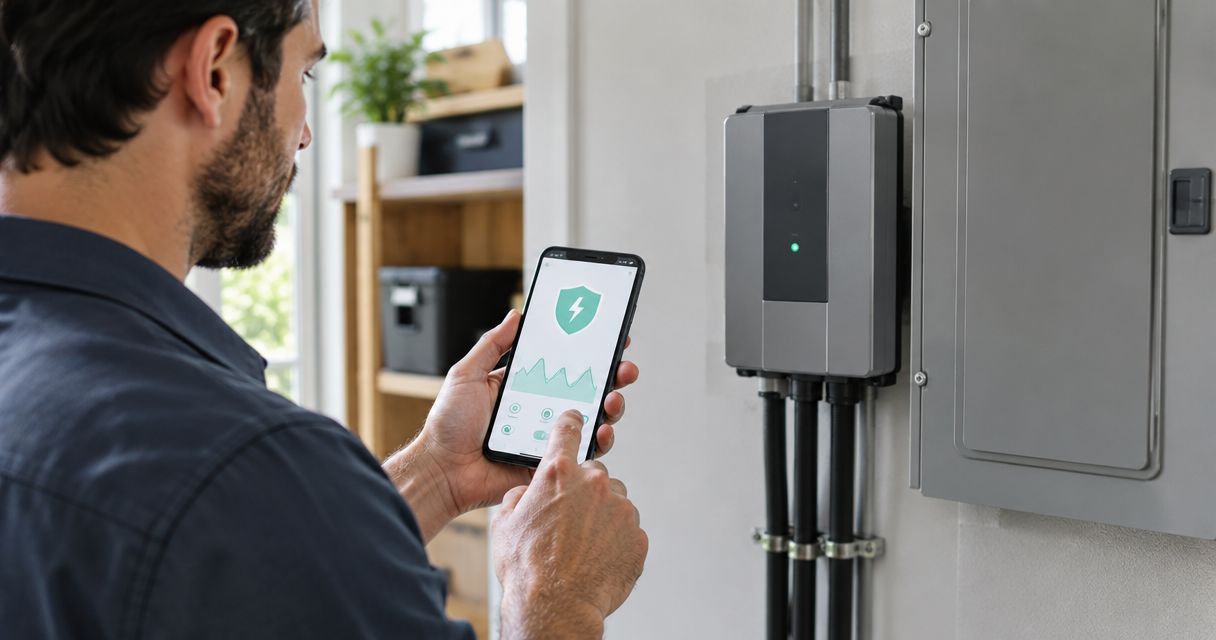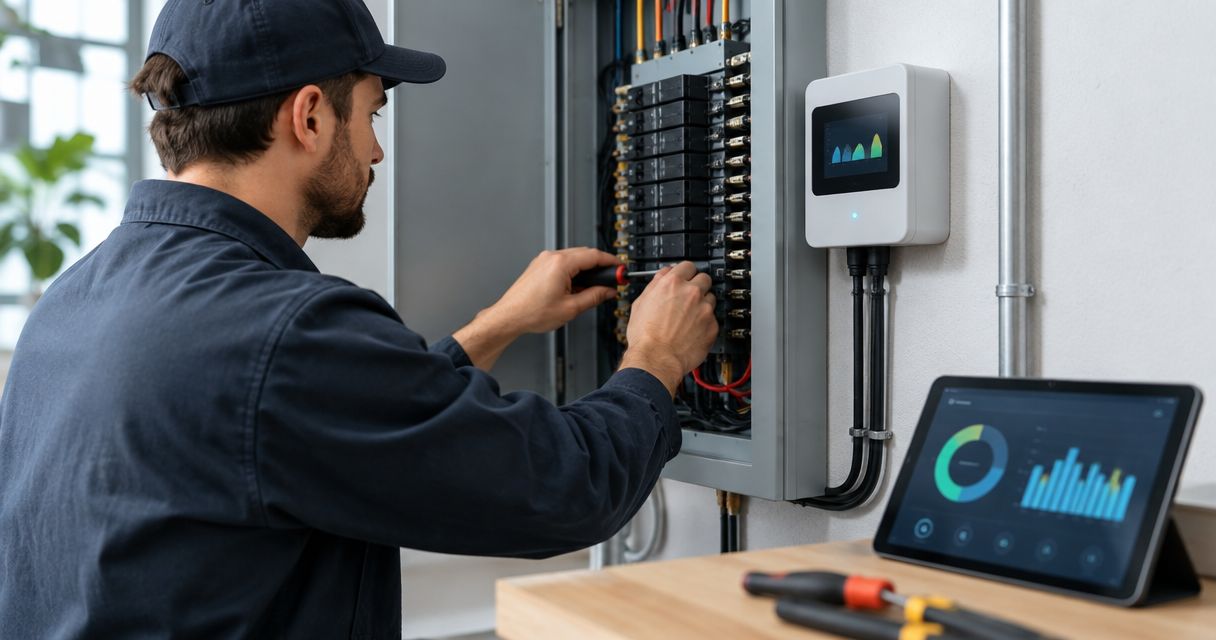
Instead of manually recording panel readings, have a qualified electrician connect your commercial electrical panel to a compatible smart energy monitor so you can track demand and energy use remotely. The workflow is to confirm electrical compatibility, install the manufacturer-specified sensing equipment, configure communications, and validate the readings—not to attach a consumer monitor to an unfamiliar commercial service.
- To connect commercial electrical panel to smart energy monitor equipment, verify service compatibility before selecting hardware.
- Imperium Electric LLC serves Treasure Coast businesses needing licensed commercial electrical work.
- Current transformers, voltage references, and phase assignments must match the monitor manufacturer’s instructions.
- Validate real power and accumulated energy before trusting alerts or reports.
Why this matters
A connected dashboard does not prove that a commercial energy monitor measures correctly. Incorrect phase assignments, sensor ratios, or measurement boundaries can produce plausible-looking data that leads you to the wrong operating decision.
Imperium Electric LLC is a fit for Treasure Coast business owners who need licensed commercial electrical service. Start with Imperium Electric LLC for electrical project discussions; equipment selection still requires a site-specific compatibility review.
For a 2026 installation, define the question first: total building consumption, individual equipment use, or demand during business hours. Each requires a different measurement boundary, and none automatically provides equipment control.
Before you start
- Arrange qualified access. You need an authorized electrician, building-owner approval, panel identification, equipment documentation, and an agreed shutdown plan. Your IT contact needs access to the network and monitoring account.
- Collect compatibility information. Have the electrician confirm service voltage, phase arrangement, conductor configuration, available installation space, and the exact monitor and sensor documentation. Common commercial examples include 120/208 V and 277/480 V systems; these examples are not a selection instruction.
- Resolve the hidden gotcha: the main breaker is not complete isolation. Incoming terminals can remain energized after a panel’s main breaker is opened. Multiple supplies, generators, or solar equipment add isolation requirements. A qualified electrician must establish the safe work condition before installation.
Do not remove a panel cover, place sensors around conductors, or make voltage connections yourself. This guide explains the project sequence and acceptance checks; the manufacturer’s installation instructions govern the actual wiring.
Measurement scope and equipment compatibility
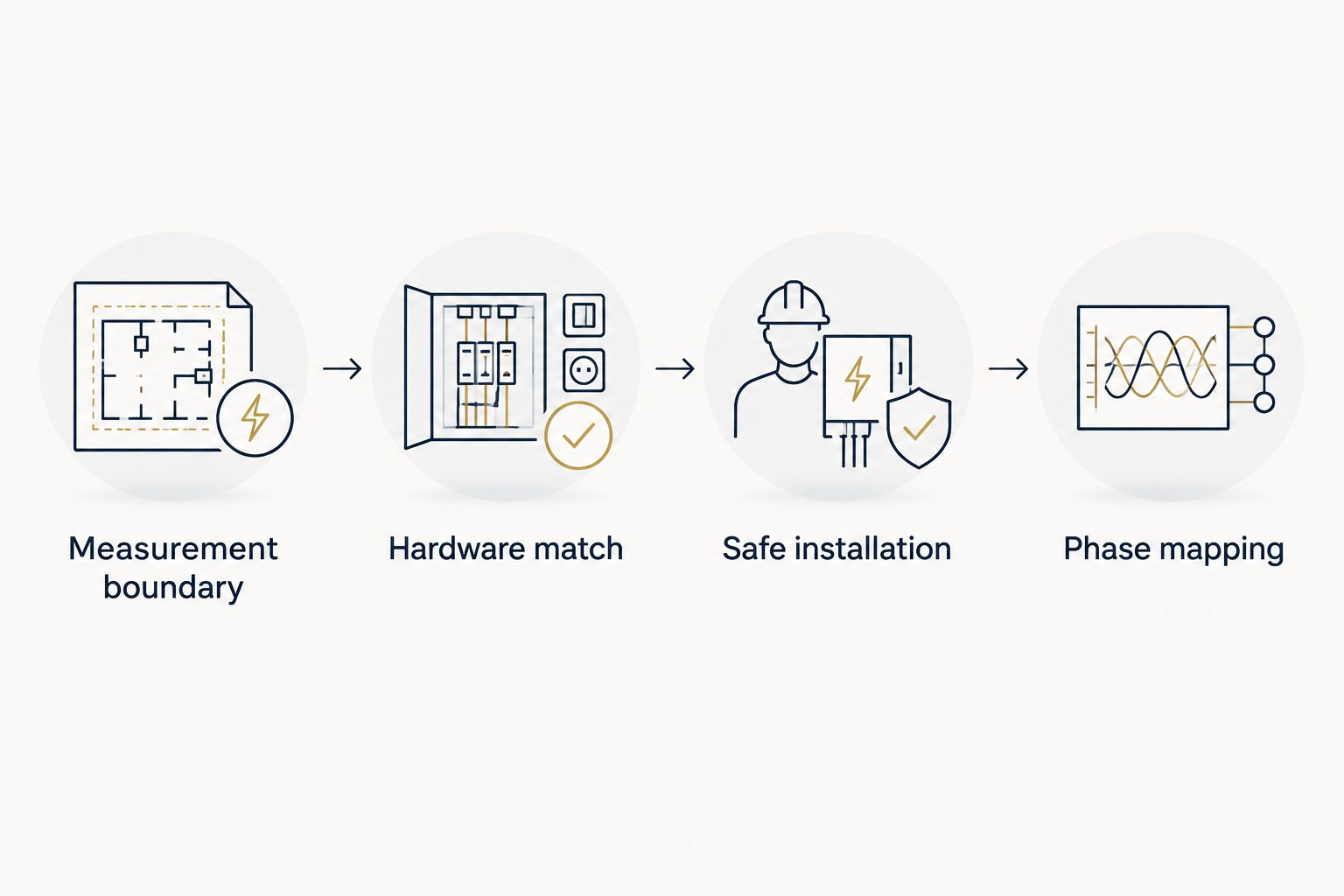
Define the measurement boundary
- Identify what you need to measure: the whole service, a downstream panel, or selected equipment.
- Obtain the panel schedule and available electrical drawings. Have the electrician verify them against the installation rather than treating old labels as proof.
- List every source that crosses the measurement boundary, including utility power, on-site generation, and battery equipment.
- Record the required output: instantaneous power in kW, accumulated energy in kWh, or both. Specify whether reporting must align with the utility’s demand interval.
Expected result: You have a written scope showing what the monitor includes and excludes. A monitor on a tenant panel, for example, does not measure upstream common-area loads.
Choose the monitoring scope
These are measurement approaches, not interchangeable product recommendations. For your 2026 project, choose the smallest scope that answers the operating question without hiding important loads.
| Approach | Best for | Advantage | Limitation |
|---|---|---|---|
| Whole-panel monitoring | Building-wide consumption trends | Shows aggregate demand and energy | Does not directly identify every contributing circuit |
| Branch-circuit monitoring | Comparing selected circuits or equipment groups | Separates measured loads | Requires additional compatible sensing channels and installation space |
| Equipment submetering | Tracking a defined machine or process | Creates a clear equipment-level measurement boundary | Does not explain unrelated building consumption |
Whole-panel readings support an overview. Branch-circuit monitoring supports attribution. Neither should be represented as tenant billing equipment without checking the applicable metering requirements.
Confirm the hardware match
- Have the electrician match the monitor’s supported service configuration to the actual supply. A monitor intended for residential split-phase service is not automatically compatible with a 3-phase commercial system.
- Verify the permitted voltage range and any required voltage-transformer arrangement against the installation manual.
- Match current transformer type, rating, output, conductor opening, and accuracy requirements to the meter and conductors. Physical fit alone does not establish compatibility.
- Confirm enclosure requirements, permitted mounting locations, sensor-lead routing, and communications options before scheduling installation.
Expected result: The selected monitor, sensors, and installation method are documented as compatible. Do not substitute sensors simply because their connectors fit.
Electrical installation and commissioning
Establish the safe installation plan
- Ask the electrician to identify all energy sources and determine the required isolation, lockout, and verification procedures.
- Coordinate the outage with building occupants and equipment operators. Include refrigeration, access systems, servers, and other affected loads in the planning discussion.
- Confirm permit and inspection requirements with the responsible local authority before work begins.
- Have the electrician complete installation under the manufacturer’s instructions and applicable electrical requirements. Keep unqualified staff outside the work area.
Expected result: Installation proceeds under a defined safety and outage plan—not an assumption that opening a breaker makes every conductor safe.
For help defining the work, review commercial electrician services for Treasure Coast businesses. Imperium Electric LLC provides commercial electrical services; the project scope should specify the chosen monitoring equipment and commissioning responsibilities.
Verify sensing and phase mapping
- Have the electrician document which sensing channel corresponds to each measured conductor and voltage reference.
- Require verification of sensor orientation, installation closure, and phase association using the equipment instructions.
- Record the configured sensor ratios and any voltage-transformer ratios in the commissioning record.
- After safe restoration, have the electrician compare the monitor’s measurements with suitable reference measurements under operating load.
Expected result: Channel assignments and ratios are traceable, and measured values agree within the limits established by the equipment specifications and commissioning method.
A conventional current-output transformer can develop hazardous voltage if its secondary is opened while primary current flows. Other sensor designs have different requirements. Never unplug, move, or rework installed sensing equipment as a dashboard troubleshooting step.
Network connection and dashboard configuration
Establish communications
- Give your IT contact the manufacturer’s network requirements. Confirm supported connection methods, authentication, and any required outbound access.
- Connect the monitor using its documented commissioning procedure. Keep electrical compartments closed during ordinary account and network setup.
- Assign account ownership to the business, not an installer’s personal email address. Give contractors only the access needed for their work.
- Verify that readings update through the intended network connection. Check the timestamp as well as the displayed value.
Expected result: Authorized users can view current data, and your business controls the account.
Use the manufacturer’s exact interface labels during setup. Menu names differ by model and software version, so a generic guide cannot supply reliable button-by-button instructions. For a 2026 handover, retain the applicable manual and record the installed firmware version where the equipment exposes it.
Configure reporting and validate results
- Set the site’s time zone and verify daylight-saving behavior. Incorrect timestamps undermine comparisons with operating schedules and utility records.
- Enter only electrical configuration values verified by the electrician. Do not adjust ratios to make a graph resemble an expected bill.
- Name channels after their documented measurement boundaries. A descriptive equipment or panel name is more useful than an unexplained channel number.
- Compare accumulated kWh over matching start and end times with an appropriate reference. Confirm that both measurements cover the same loads.
- Configure alerts only after validation. Assign each alert an owner and a defined response.
Expected result: Reports have consistent timestamps, understandable channel names, and a documented basis for trust.
A utility bill and a new dashboard need not match when their periods or boundaries differ. Utility demand calculations also depend on the applicable tariff and interval. Check those definitions before interpreting a difference as a wiring fault.
Discuss your commercial electrical project
Define panel access, monitoring scope, and installation requirements for your Treasure Coast business.
Add equipment-level monitoring when loads change
Whole-panel monitoring answers how much power the measured panel supplies. Equipment-level monitoring answers which measured load contributes to that total. Add the second workflow when aggregate trends no longer answer your question.
- Select the equipment or circuit you need to investigate, such as an HVAC feeder or charging circuit.
- Have the electrician confirm compatible spare monitoring channels or determine whether separate metering is required.
- Schedule any required installation and repeat the electrical verification process for the added measurement points.
- Update the channel directory, reporting groups, and measurement-boundary drawing.
- Compare equipment operation with the panel total using aligned timestamps.
Expected result: You can distinguish the added measured load without treating a software estimate as a dedicated meter reading.
For a 2026 expansion, preserve the original configuration before changing reporting groups. Avoid double-counting: adding a downstream submeter’s energy to its upstream panel’s energy counts the same consumption twice.
Troubleshooting
Negative power during normal consumption
Have the electrician check sensor orientation, phase association, and the configured import/export convention. On-site generation can produce legitimate export, so establish the operating condition before declaring the reading incorrect. Do not reverse sensors yourself.
Current appears reasonable, but power does not
Have the electrician verify the voltage references, phase mapping, and service configuration. Current alone does not establish real power; voltage and the relationship between voltage and current also matter. Do not apply a generic correction multiplier.
The dashboard stops updating
Check the latest timestamp, account access, network connection, and manufacturer-reported service status. Ask IT to review network changes before resetting equipment. A communications failure is not proof that the electrical sensing installation has failed.
Energy differs from the utility record
Align the comparison period, time zone, and measurement boundary. Check for unmeasured panels, generation, missing historical data, and incorrect ratios. Compare energy with energy—not instantaneous kW with accumulated kWh.
Readings flatten during heavy operation
Have the electrician investigate sensor range, meter input limits, configuration, and the load itself. A plateau can reflect either equipment behavior or a measurement limitation. Preserve the trend and operating notes rather than changing settings to smooth the graph.
Customize your workflow
Turn the verified data into a repeatable review. Compare occupied and unoccupied operation, annotate equipment changes, and investigate unexpected trends with the people responsible for those loads.
For your 2026 operating record, retain the equipment manuals, channel directory, network ownership details, and commissioning results together. Repeat relevant checks after panel changes, sensor replacement, or equipment relocation.
Monitoring is not automatic load control. A separate, properly designed control system is required to switch equipment. Never use an unvalidated dashboard alert as the sole protection for a critical load.
Imperium Electric LLC serves residential and commercial customers across Port St. Lucie, Stuart, Jensen Beach, and the Treasure Coast. The useful next step is a defined electrical scope, not a promise that monitoring alone will reduce consumption.
FAQ
Can I connect a commercial electrical panel to a smart energy monitor myself?
Have a qualified electrician perform the panel installation and electrical commissioning. Commercial panels present shock and arc-flash hazards, and opening the main breaker does not necessarily isolate incoming conductors.
Will a home energy monitor work on a commercial panel?
Only if its documented ratings and supported service configurations match the actual commercial installation. Confirm voltage, phase arrangement, sensors, and installation requirements before selecting equipment.
Do I need internet access for a commercial energy monitor?
Remote access depends on the selected monitor’s communications design. Check its documentation for network requirements, local access, and behavior during a connection outage.
Does an energy monitor automatically turn equipment off?
Energy monitoring alone does not provide automatic equipment control. Switching loads requires compatible control equipment and a separately verified control design.
Why does my monitor show negative power?
Negative power can indicate export, a sensor orientation issue, an incorrect phase association, or a different sign convention. Have the electrician check the reading against the actual operating condition and equipment documentation.
Can smart monitoring data replace my utility meter for tenant billing?
Do not assume a monitoring system qualifies for tenant billing. Confirm applicable metering rules, equipment suitability, and billing requirements before using its readings to allocate charges.
Who can help plan commercial electrical monitoring on the Treasure Coast?
Imperium Electric LLC provides licensed commercial electrical services on the Treasure Coast. Define the monitor model, measurement scope, access requirements, and commissioning responsibilities when discussing the project.
One last thing
The most useful handover document is a measurement-boundary drawing. It tells the next electrician or facility manager what the dashboard actually measures. Without that record, a later panel alteration can change the meaning of a familiar-looking graph.