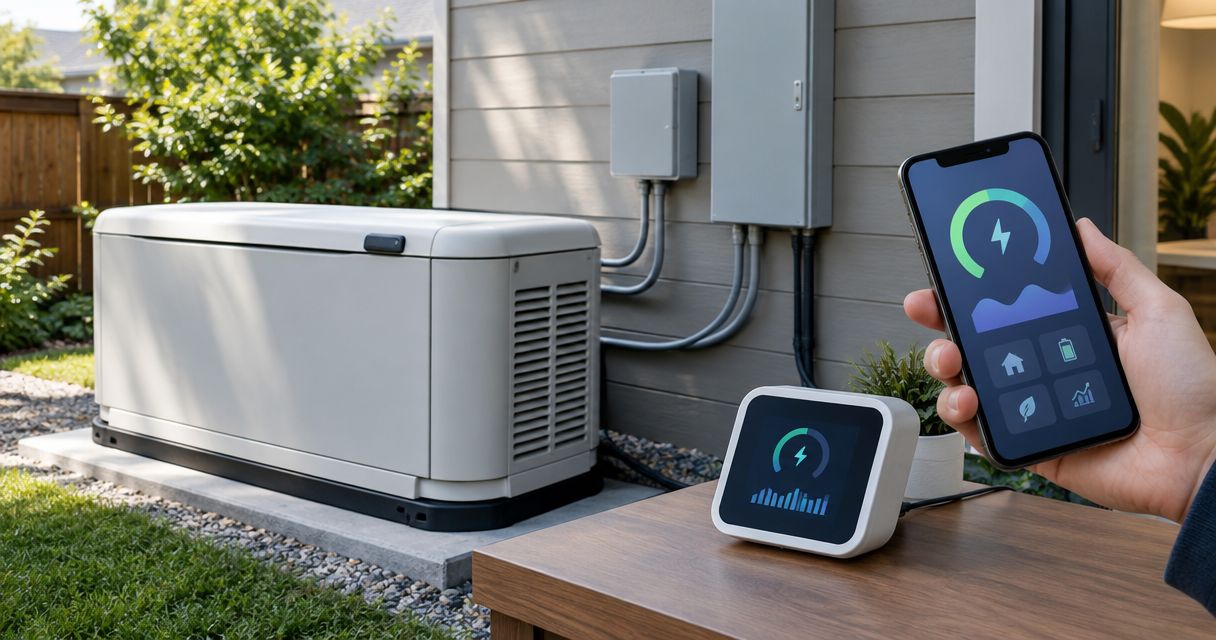
Instead of manually checking electrical demand during an outage, connect a compatible standby generator smart energy monitor through professionally installed sensors at an approved measurement point. Then configure the monitor and test it during a supervised transfer so you can see backed-up loads without changing the generator’s safety controls.
- A standby generator smart energy monitor needs approved sensor placement, compatible power measurement, and a supervised transfer test.
- Imperium Electric LLC serves Treasure Coast homeowners who need licensed generator installation and electrical work.
- Load-side monitoring measures backed-up demand; utility-side monitoring alone does not measure generator output during an outage.
- Energy readings do not replace generator fault alerts, transfer-switch controls, or approved load management.
Why this matters
Sensor location determines what the monitor sees. A monitor measuring only the utility supply cannot show generator-fed consumption after the transfer switch disconnects that supply. For the electrical foundation, review generator transfer switch installation for Port St. Lucie homeowners.
A typical US residential split-phase supply provides 120 volts from either hot leg to neutral and 240 volts between hot legs, at a nominal 60 hertz. Your electrician must confirm the actual service configuration and the monitor’s supported voltage, frequency, and sensor arrangement. Commercial installations need their own assessment.
For a 2026 installation, start with the exact generator, transfer-switch, and monitor manuals—not a wiring diagram for a similar model. Imperium Electric LLC is best for Treasure Coast homeowners seeking licensed generator installation and electrical services. Monitoring compatibility still requires an equipment-specific review.
Before you start
- Gather the equipment records. Have the generator and transfer-switch model numbers, monitor installation instructions, electrical panel directory, and any solar, battery, or load-management documentation. Confirm explicit manufacturer support for the proposed measurement arrangement before scheduling installation.
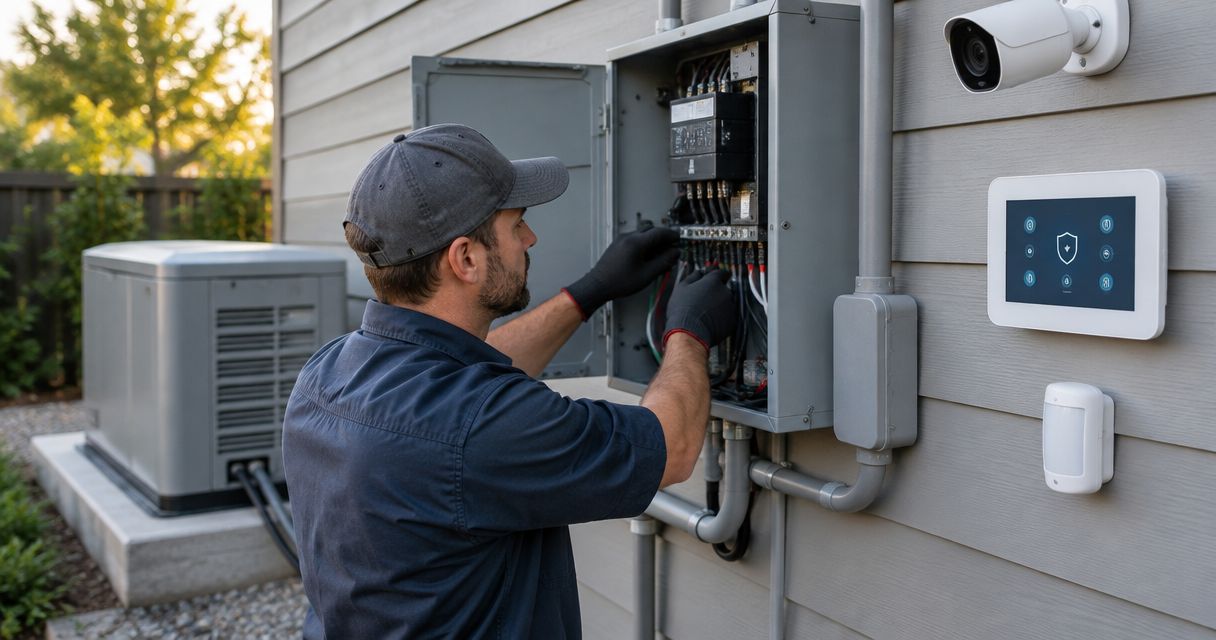
- Arrange licensed electrical work and app access. You need an electrician for sensor installation and electrical connections, plus the monitor account, compatible phone, and required network credentials. Do not remove panel covers, enter a transfer-switch enclosure, or attach sensors yourself.
- Check the outage connectivity trap. A working monitor does not guarantee a working app during an outage. Identify how the monitor, router, and any required network equipment receive backup power; also check whether the monitor stores readings locally when internet service fails.
Opening a main breaker does not necessarily de-energize every conductor in an enclosure. Utility power, automatic generator starting, solar, and batteries require an equipment-specific isolation procedure. Let the electrician establish and verify the safe work condition.
Measurement layout
Choose what you want to measure
- Define the outcome. Decide whether you need total backed-up demand, individual circuit consumption, or a separate record of generator output. Write the goal down before selecting sensor positions.
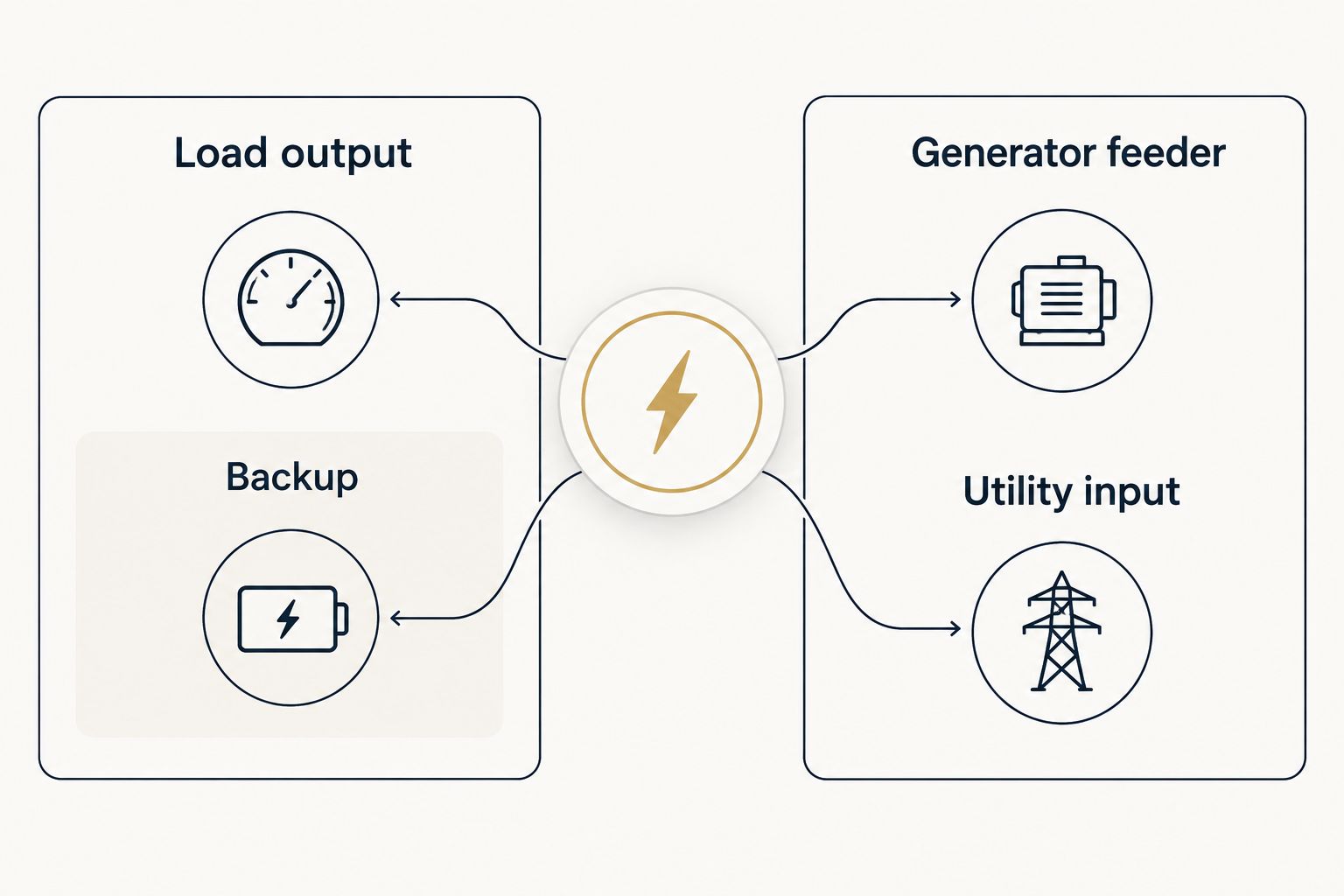
- Map the power path with the electrician. Identify the utility input, generator input, transfer-switch load output, and any backup subpanel. Establish which circuits receive generator power and which remain utility-only.
- Match the layout to the monitor’s instructions. Confirm the permitted current-transformer locations, voltage-reference connections, sensor ratings, and supported supply configurations. A current transformer, often called a CT, measures current in the conductor it surrounds.
- Document measurement boundaries. Record exactly what each channel includes. A channel measuring a backup subpanel is not a whole-house measurement when other circuits sit outside that subpanel.
Expected result: You have a written measurement plan that identifies the monitored conductors, supported equipment configuration, and excluded loads. No enclosure work begins until that plan is accepted.
Compare the measurement options
These options describe electrical layouts, not interchangeable monitor features. Select only a layout the equipment manufacturer permits.
| Measurement option | Best for | Advantage | Limitation |
|---|---|---|---|
| Transfer-switch load output | Backed-up demand across both power sources | Measures downstream loads whether utility or generator supplies them | Does not identify the active source by itself |
| Backup subpanel feeder | Homes with selected backed-up circuits | Keeps essential-load demand separate from other household use | Excludes circuits outside the backup subpanel |
| Generator feeder | A separate generator-output record | Measures current on the generator supply path | Requires a supported sensor and voltage-reference arrangement; utility-fed demand needs separate measurement |
| Utility input only | Grid-consumption tracking | Keeps the measurement focused on utility supply | Does not show generator-fed demand during an outage |
Choose the measurement boundary before choosing app features. A detailed dashboard cannot recover consumption that its sensors never measured.
The layout also affects interpretation. Load-side consumption looks similar whether a refrigerator receives electricity from the utility or the generator; identifying the source requires a separate supported status signal or a recorded transfer event.
Electrical installation
Prepare the installation handoff
- Give the electrician the approved layout and manuals. Include existing load-shedding equipment and any other energy sources. Do not treat solar, battery, and generator inputs as equivalent measurement channels.
- Have the electrician verify the installation conditions. Sensor fit, conductor access, enclosure space, environmental rating, and approved power connections all matter. Stop if the proposed location conflicts with the monitor or transfer-switch instructions.
- Have the electrician install and identify the channels. The installer handles safe isolation, sensor orientation, phase matching, voltage references, wiring, and enclosure closure according to the applicable instructions and requirements.
- Retain the configuration record. Keep the channel map, equipment model numbers, and installation documentation with your generator records. Record the commissioning date in your 2026 maintenance file.
Expected result: The monitor is physically installed, its channels match the documented layout, and the electrical enclosures are closed before homeowner app setup begins.
Do not connect monitor wiring to generator control terminals unless the generator manufacturer explicitly authorizes that interface. Electrical consumption monitoring and generator control are different functions.
Imperium Electric LLC provides licensed electrical and generator installation services in Port St. Lucie, Stuart, Jensen Beach, and the Treasure Coast. Ask for an equipment-specific installation assessment rather than assuming every smart monitor works with every transfer switch.
Monitor configuration
Configure the account and channels
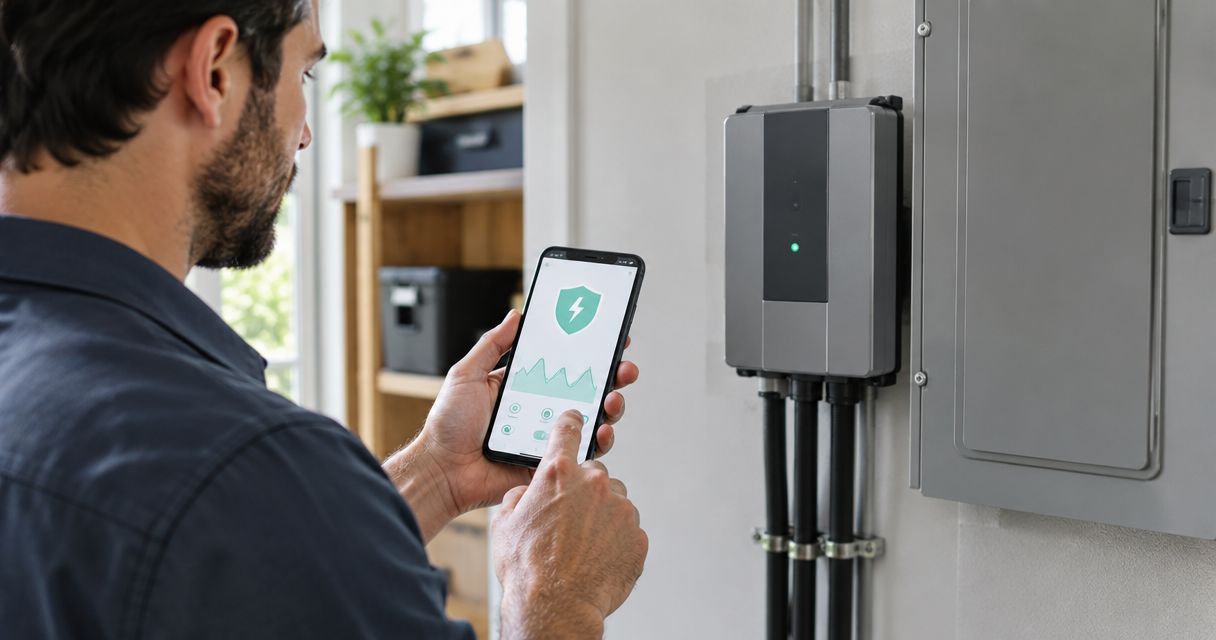
- Complete the manufacturer’s account and device setup. Use the current instructions for your exact monitor and app version. Keep the registration details and recovery information somewhere accessible during an outage.
- Connect the required network. Follow the monitor’s documented network requirements. Verify connection at the installed location, not just beside the router.
- Match app channels to the installer’s map. Enter clear descriptions such as backup subpanel or generator feeder where custom naming is supported. Configure the supported electrical service type and sensor settings exactly as instructed.
- Verify power and energy units. Kilowatts describe present electrical demand; kilowatt-hours describe accumulated energy use. Use demand readings for load observation, not accumulated energy totals.
- Configure only supported alerts. Enable demand or connection notifications where the monitor offers them. Use equipment-specific limits reviewed by the electrician; do not copy a threshold from another home.
Expected result: The account shows the correct installation, channels have understandable names, and readings update while utility power supplies the monitored loads.
App labels differ between manufacturers and versions. Follow the actual labels in your monitor’s setup guide rather than treating generic channel descriptions as button names.
A kilowatt reading is not a generator protection setting. Generator capacity, motor starting demand, power factor, and manufacturer operating limits require separate consideration. For that decision, use the guide to sizing a whole-house generator for your home.
Transfer-test verification
Confirm the workflow under both sources
- Establish a utility baseline. With enclosures closed, record the monitored channels and ordinary household demand. Switch a familiar, safely operated household load on and off to confirm that the expected channel responds.
- Schedule a supervised transfer test. Have the generator professional use the manufacturer’s approved procedure. Do not pull a meter, improvise a utility disconnect, or bypass transfer-switch controls.
- Observe the backed-up channels. Confirm that the monitor stays powered and continues measuring the intended loads after transfer. Check the app connection separately from the electrical readings.
- Confirm source identification where supported. Compare the displayed source state with the transfer-switch state. If there is no approved source-status integration, document the transfer time rather than relabeling consumption as confirmed generator output.
- Verify return to utility. Confirm that readings resume or continue correctly after the approved return-transfer and generator cooldown sequence. Save the test record and any corrective actions.
Expected result: You have verified demand readings on utility and generator power, identified connectivity gaps, and confirmed that the monitoring installation does not interfere with transfer operation.
A generator exercise cycle is not automatically a load test. Some exercise arrangements run the engine without transferring building loads. Your 2026 commissioning record should distinguish engine exercise from an actual supervised transfer.
Request a generator installation assessment
Discuss generator installation and electrical work for your Treasure Coast property.
Variant: receive an alert during generator operation
Best for: Homeowners who want a notification when backup power is supplying the property, rather than only a consumption chart.
Use a manufacturer-supported generator-status or transfer-status integration when one exists. Energy consumption alone does not prove that the generator is running because the same downstream loads also consume utility power.
- Identify the documented status source and confirm that it distinguishes generator operation from actual load transfer.
- Connect accounts or configure a permitted status interface using the manufacturer’s instructions. Leave physical control wiring to the installer.
- Set the supported notification and delivery method, then verify that the receiving phone permits those notifications.
- Test the alert during a supervised transfer and again when utility power returns.
Expected result: The notification describes a verified status event rather than an inference from a changing energy graph.
The advantage is clearer outage information. The limitation is dependence on the supported status interface and its communication path. Keep approved load-management equipment separate; a cloud alert is not a substitute for generator overload protection.
Troubleshooting
Readings disappear after transfer
Check whether the monitor’s power supply and measured conductors remain energized on generator power. Have the electrician compare the installation with the approved layout; do not move sensors yourself. Check network power separately if local measurement continues but the app disconnects.
Consumption appears negative or inconsistent
Ask the installer to verify sensor direction and phase-to-voltage-reference matching. Export-capable systems need additional interpretation, so do not assume every negative value is a fault. Avoid changing polarity settings simply to make the display look positive.
The graph misses some household loads
Compare the channel map with the panel directory. A backup subpanel monitor excludes utility-only circuits, and circuit-level sensors cover only their assigned conductors. Correct the measurement scope or label instead of treating a partial total as whole-house demand.
Generator exercise produces no monitored load
Confirm whether the exercise cycle actually transfers the property to generator power. If it does not, an unloaded generator run cannot validate backed-up load readings. Arrange the approved transfer test with the generator professional.
The app disconnects during an outage
Check backup power to the router, modem, and other required network equipment, then check the internet connection. Follow the monitor’s documented offline behavior. Do not interpret a stale dashboard as proof that demand is low or the generator has stopped.
Customize your workflow
Start with readable channel names and verified measurement boundaries. Add supported circuit monitoring where identifying a particular load would change your decisions; more channels are useful only when you know what each measures.
For your 2026 maintenance plan, keep transfer-test results, generator service records, and monitor configuration changes together. Retest after electrical changes that affect the monitored loads, transfer equipment, or network power.
Imperium Electric LLC is a local electrical and generator installation provider, not the source of your monitor’s compatibility specifications. Confirm model support with the equipment documentation and use licensed electrical work for the physical installation.
FAQ
How do I connect a standby generator smart energy monitor?
Use a compatible monitor with professionally installed sensors at a manufacturer-approved measurement point, then configure its account and verify readings during a supervised transfer. Sensor placement determines whether you see backed-up demand, utility consumption, or generator output.
Can I install generator monitoring sensors myself?
Leave sensor installation and electrical connections inside panels or transfer equipment to a licensed electrician. Multiple power sources and automatic generator starting require an equipment-specific isolation procedure.
Will a whole-home energy monitor show generator power?
It shows generator-fed demand only when its approved measurement arrangement covers the conductors supplying those loads during generator operation. A monitor on the utility input alone does not measure the disconnected generator supply.
Does an energy monitor tell me when my generator starts?
Consumption data alone does not confirm generator starting or load transfer. Use a supported generator-status or transfer-status integration for a source-specific notification.
Can a smart energy monitor prevent generator overload?
Do not treat an energy monitor as overload protection unless the equipment is explicitly approved for that control function. Use the generator’s protection and manufacturer-approved load-management equipment.
Why does my monitor go offline when the generator takes over?
The monitor or required network equipment can lose power during transfer, and internet service can also fail independently. Check their backup-power arrangements and the monitor’s documented offline behavior.
Does a generator exercise cycle test the energy monitor?
Only an exercise cycle that transfers and supplies the monitored loads can verify generator-fed demand readings. An unloaded engine exercise does not validate the full measurement workflow.
One last thing
Ask for two separate checks: measurement continuity and communication continuity. A monitor can keep measuring while its app loses connection, or stay connected while its sensors miss the generator-fed loads. For a 2026 handoff, document both results—not just a successful login.