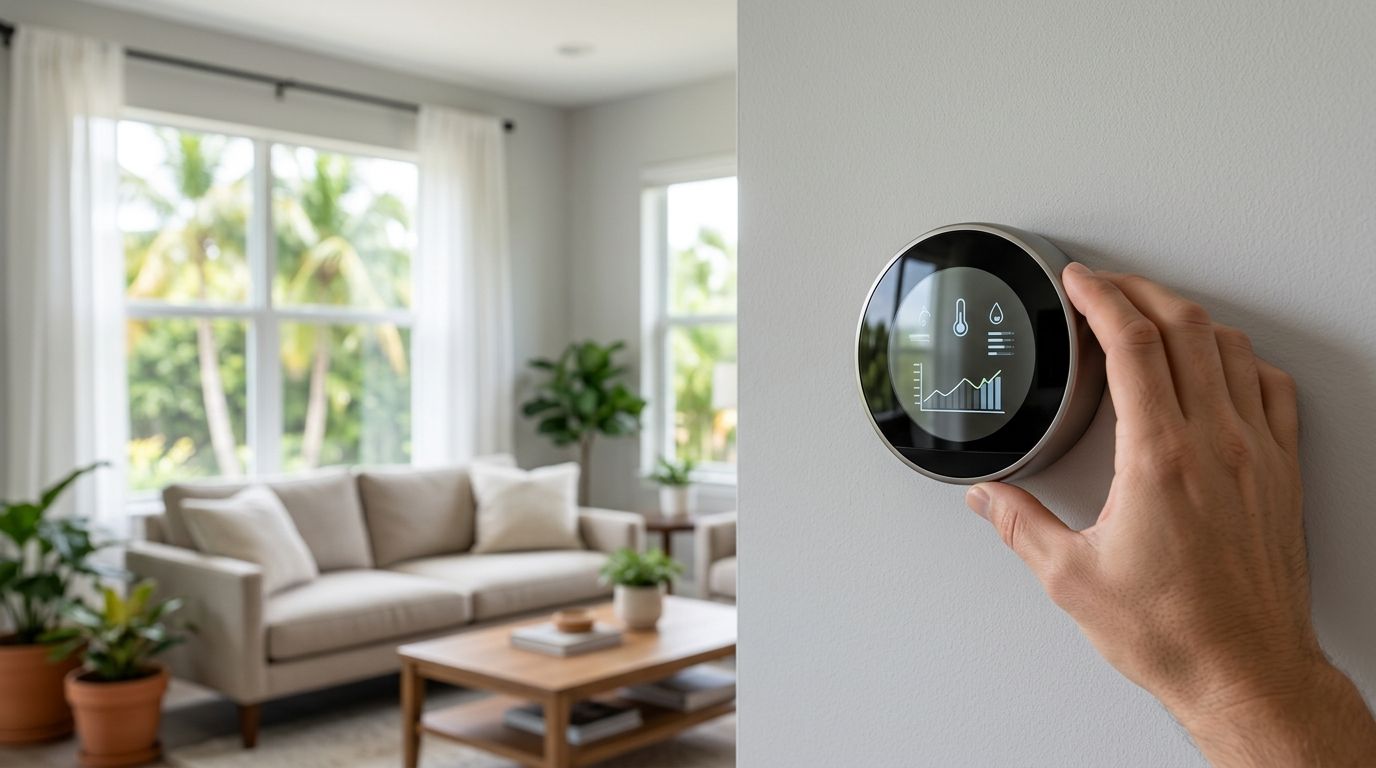
Best overall: ecobee Smart Thermostat Premium for homes with a compatible dehumidifier. Best for AC-only humidity control: Google Nest Learning Thermostat (4th gen). Best for room-by-room temperature management: Honeywell Home T10 Pro. The best smart thermostats for Florida humidity in 2026 depend on what moisture-control equipment your HVAC system can actually operate.
- Best smart thermostats for Florida humidity: ecobee Smart Thermostat Premium wins when a compatible dehumidifier needs control.
- Google Nest Learning Thermostat (4th gen) suits AC-only homes that need a Cool to Dry option.
- Honeywell Home T10 Pro suits homes prioritizing remote temperature sensors and installer-configured humidity control.
- A thermostat cannot replace a dehumidifier or repair an AC system that is not removing moisture.
Why this matters in Florida
A thermostat can read humidity, call for cooling or control compatible moisture-removal equipment. Those are different jobs. In Port St. Lucie, Stuart and Jensen Beach, choosing a thermostat by its app alone misses the question that determines whether your home feels less clammy: what can the thermostat tell your installed equipment to do?
The U.S. Environmental Protection Agency's mold guidance recommends keeping indoor relative humidity below 60% and, ideally, between 30% and 50%. Treat those figures as a reason to check persistent moisture, not as proof that a thermostat will solve it. If your home stays near 60% relative humidity while the AC reaches its temperature setting, the equipment and its operation need attention before you buy another controller.
For a Treasure Coast home, start by checking the existing system and wiring. Smart thermostat installation for Treasure Coast homes is the relevant next step if you need the thermostat matched to the equipment rather than selected from a feature list.
What makes the best smart thermostat for Florida humidity?
Use these criteria before comparing displays or apps. A feature only counts if it works with your HVAC setup.
- Humidity sensing: The thermostat must show indoor relative humidity so you can distinguish a warm room from a damp one.
- Moisture-removal control: Check whether it can call for AC cooling to reduce humidity, control a compatible dehumidifier, or both. Those are not interchangeable capabilities.
- Equipment compatibility: Confirm the HVAC equipment, accessory connections and available thermostat wiring support the control you want. A compatibility label for basic heating and cooling is not enough.
- Temperature behavior: Ask what happens when the room reaches its temperature setting but humidity remains high. Continued cooling can make a room colder than you prefer.
- Room coverage: Remote sensors can help manage temperature differences across rooms. They do not automatically give every room independent humidity control.
- Installer access: Moisture-control settings need to match the actual equipment. A polished setup screen does not correct an unsupported or incorrectly configured accessory.
The 2026 decision rule: choose dehumidifier control only if you have compatible dehumidification equipment; otherwise, evaluate what your AC can do and whether it needs service. Imperium Electric LLC is best for Treasure Coast homeowners who need the thermostat and HVAC setup checked together, not for a house-brand thermostat purchase.
Smart thermostats at a glance
| Thermostat | Best for | Standout feature | Key limitation |
|---|---|---|---|
| ecobee Smart Thermostat Premium | A home with a compatible dehumidifier | Humidity-aware controls and supported accessory control | Accessory operation depends on equipment, wiring and setup |
| Google Nest Learning Thermostat (4th gen) | AC-only moisture control | Cool to Dry uses compatible cooling equipment | Cooling for humidity can lower room temperature |
| Honeywell Home T10 Pro | Managing temperature differences between rooms | Support for remote room sensors | Humidity-control options depend on installer configuration and equipment |
This is a 2026 equipment-fit ranking, not a claim that any thermostat removes moisture by itself. The first two choices address different ways to call for moisture removal; the third earns its place when uneven room temperatures are the main reason you want more control.
1. ecobee Smart Thermostat Premium: best for a compatible dehumidifier
The ecobee Smart Thermostat Premium is the strongest fit here when your HVAC system includes a compatible dehumidifier that the thermostat can control. It reads indoor humidity and provides humidity-related settings. With supported equipment and correct installation, accessory control gives you an option beyond asking the AC to run for moisture removal.
That distinction matters if your rooms reach the desired temperature while humidity remains uncomfortable. An AC-only approach must use cooling to address that problem. A compatible dehumidifier gives the system another way to respond, although the thermostat still cannot overcome a poorly performing or improperly installed accessory.
ecobee Smart Thermostat Premium pros:
- Displays indoor humidity alongside temperature.
- Provides humidity-related cooling controls.
- Supports control of compatible HVAC accessories when the wiring and configuration allow it.
- Fits a home where moisture control matters more than a simple temperature schedule.
ecobee Smart Thermostat Premium cons:
- Its accessory features do not create dehumidification equipment your home lacks.
- Existing wiring and HVAC controls need verification before accessory operation is assumed.
- AC-based humidity control can still cool a room beyond its preferred temperature.
Best for: A homeowner with a compatible dehumidifier, or one planning a coordinated HVAC and thermostat installation.
Verdict: Buy when an installer confirms that the thermostat can control the moisture-removal equipment in your home. Hold if you have not established whether you have that equipment; the extra control is not a substitute for it.
2. Google Nest Learning Thermostat (4th gen): best for AC-only control
The Google Nest Learning Thermostat (4th gen) is a practical choice when you do not have a separate dehumidifier and want humidity-aware operation from compatible AC equipment. Its Cool to Dry feature can call for cooling when it detects high humidity. It is a request for the AC to run, not a dehumidifier built into the thermostat.
That difference affects comfort. If the house has already reached its temperature setting, running the AC for moisture removal can leave it cooler than you intended. If the AC struggles to remove moisture during ordinary operation, a thermostat change alone does not establish why.
Google Nest Learning Thermostat (4th gen) pros:
- Reads indoor humidity.
- Offers a Cool to Dry setting for eligible systems.
- Makes sense for an AC-only setup where a separate accessory-control plan is not the priority.
Google Nest Learning Thermostat (4th gen) cons:
- Cool to Dry relies on the cooling system to remove moisture.
- Additional cooling can make a room feel too cold.
- Compatibility and wiring still need checking before installation.
Best for: A homeowner with compatible AC equipment who wants the thermostat to respond to humidity without planning around a separate dehumidifier.
Verdict: Buy for an AC-only home after confirming Cool to Dry support on the installed system. Hold if the AC already reaches the set temperature but indoor humidity remains persistently high; investigate the HVAC system first.
3. Honeywell Home T10 Pro: best for uneven room temperatures
The Honeywell Home T10 Pro belongs on this list for a different reason: remote room sensors help you prioritize temperatures in occupied spaces. That can matter in a Florida home where an upstairs room feels warmer than the room containing the thermostat. Its humidity-control possibilities depend on the connected equipment and installer setup, so it is not an automatic fix for damp rooms.
Do not confuse a remote temperature reading with moisture removal. Before choosing the T10 Pro for humidity, ask which installed device will remove moisture and whether the proposed configuration will command that device. If the answer is only the AC, ask how the setup handles a room that is already cool but still damp.
Honeywell Home T10 Pro pros:
- Supports remote room sensors for temperature management.
- Gives an installer a platform for system-specific configuration.
- Fits homes where room-to-room comfort is part of the thermostat decision.
Honeywell Home T10 Pro cons:
- Remote sensors do not make separate rooms independent humidity-control zones.
- Available humidity functions depend on the installed equipment and configuration.
- It is a weaker choice than a confirmed accessory-control setup when dedicated dehumidifier control is the main goal.
Best for: A homeowner whose temperature complaints vary by room and whose installer can confirm the needed humidity-control configuration.
Verdict: Buy when room-sensor temperature control is the priority and the HVAC configuration has been checked. Skip it as a humidity solution if no one can identify the equipment it would use to remove moisture.
Check the system before you choose
The thermostat decision follows the equipment decision. A humidity reading tells you there is a condition to address; it does not tell you whether the remedy is a setting change, HVAC repair or dedicated dehumidification.
Start with this sequence:
- Identify the equipment. Confirm whether your home has AC alone or AC plus a separate dehumidifier. Write down what the thermostat currently controls.
- Check wiring and controls. Confirm that the replacement thermostat can operate the installed system and any accessory you expect it to command.
- Compare temperature and humidity. If the AC meets the temperature setting while the house stays damp, note that pattern for an HVAC assessment.
- Choose the control strategy. Decide whether you need AC-based humidity response, supported accessory control or better room-to-room temperature management.
In 2026, buying the most capable thermostat before checking the equipment puts the decision in the wrong order. A confirmed control path is more useful than a longer feature list.
If the issue points to the AC rather than the controller, deal with the AC first. Imperium Electric LLC provides HVAC services in the Treasure Coast area; a thermostat purchase cannot tell you whether the installed system is removing moisture effectively.
How we ranked these thermostats
The ranking weighs humidity-control method first, then equipment compatibility, temperature trade-offs and room-sensor usefulness. ecobee Smart Thermostat Premium leads when compatible dehumidifier control is part of the plan. Google Nest Learning Thermostat (4th gen) is the clearer AC-only choice. Honeywell Home T10 Pro earns a separate slot for managing uneven room temperatures, with humidity operation subject to the installed system.
The ranking does not assume your house has a dehumidifier, that any model fits your wiring or that a smart thermostat cures excess humidity. Those checks decide whether the 2026 best overall pick is also the best pick for your home.
Which smart thermostat should you choose?
Choose ecobee Smart Thermostat Premium if a qualified installer confirms compatible dehumidifier control and moisture removal is your priority. Choose Google Nest Learning Thermostat (4th gen) if you have compatible AC-only equipment and accept that humidity control can mean additional cooling. Choose Honeywell Home T10 Pro if uneven temperatures between rooms matter most and the proposed humidity setup has been verified.
If you are undecided, do not buy based on the humidity number shown in an app. Have the equipment and wiring checked, then pick the controller that can operate them. Imperium Electric LLC serves homeowners in Port St. Lucie, Stuart, Jensen Beach and the Treasure Coast who need that installation decision tied to their HVAC setup.
FAQ
What's the best smart thermostat for Florida humidity in 2026?
ecobee Smart Thermostat Premium is the best overall pick when a compatible dehumidifier can be connected and configured. For a home using only compatible AC equipment to address humidity, Google Nest Learning Thermostat (4th gen) is the better fit.
Can a smart thermostat lower humidity without a dehumidifier?
A compatible smart thermostat can call for AC cooling to remove some moisture, but the thermostat does not remove moisture itself. The result depends on the cooling equipment and how it operates.
Is ecobee Smart Thermostat Premium better than Nest for humidity?
ecobee Smart Thermostat Premium is the better pick when compatible dehumidifier control is needed. Google Nest Learning Thermostat (4th gen) suits a compatible AC-only setup using Cool to Dry.
Will Cool to Dry make my Florida home too cold?
Cool to Dry can lower room temperature because it uses the AC to address humidity. Check the thermostat settings and HVAC performance if the home feels cold but remains damp.
Do remote room sensors control humidity in each room?
Remote room sensors do not give each room independent moisture removal. On the Honeywell Home T10 Pro, their main value in this comparison is managing temperature differences across occupied rooms.
What indoor humidity level should I watch for?
The U.S. Environmental Protection Agency recommends keeping indoor relative humidity below 60%, ideally between 30% and 50%. Persistent high readings call for a check of moisture sources and HVAC operation, not just a thermostat change.
Should I replace my thermostat if my AC runs but the house feels damp?
Check the AC system before replacing the thermostat. A new controller cannot repair equipment that is not removing moisture effectively.
One last thing
A low temperature reading can hide a humidity problem. If your home feels cold and clammy, setting the AC lower asks it to cool more; it does not establish why moisture remains. In 2026, identify the moisture-removal equipment and its control path before replacing the thermostat. Imperium Electric LLC can assess the HVAC and thermostat installation as parts of the same job.