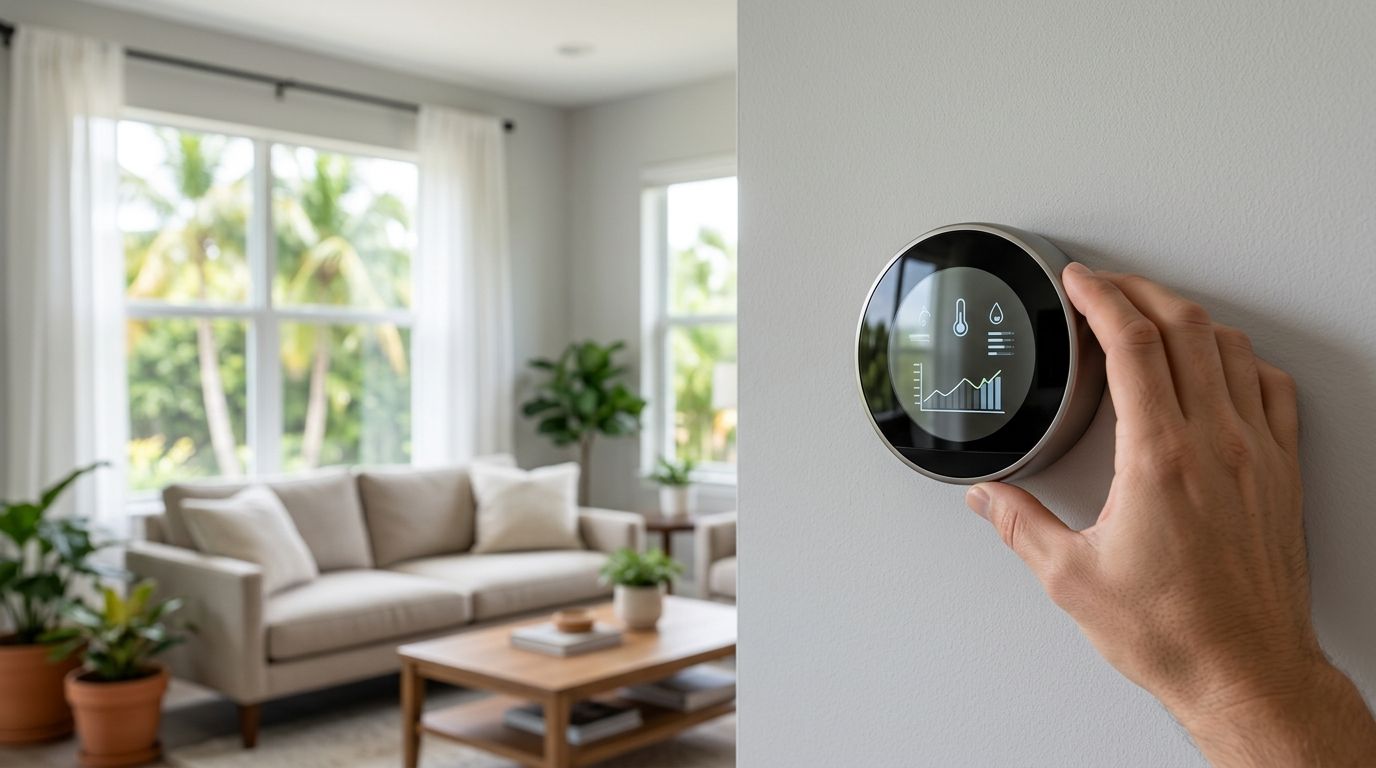
Smart thermostat installation on the Treasure Coast means matching a WiFi-connected thermostat to a home's specific HVAC system, humidity load, and hurricane-season power patterns — not just mounting a device off a big-box shelf. Port St. Lucie, Stuart, and Jensen Beach homes run air conditioning nearly year-round, which changes what "smart" actually needs to do compared to a house in a dry, four-season climate.
- Smart thermostat installation on the Treasure Coast requires a C-wire check and humidity-aware settings, not just app pairing.
- Homes built before 2000 often lack the low-voltage wiring a smart thermostat needs — verify compatibility before buying one.
- DIY installs work for single-stage systems; multi-stage and heat pump setups common in Florida homes usually need a licensed technician.
- ENERGY STAR-certified smart thermostats save an estimated 8% on annual heating and cooling costs when programmed correctly.
- Placement near a window, vent, or lanai door causes false readings and short-cycling in Florida's humid climate.
Why smart thermostat installation matters for Treasure Coast homeowners
Florida's Treasure Coast runs cooling loads that don't exist in most of the country — high humidity, salt air, and AC systems that cycle constantly from April through October. A smart thermostat installed without accounting for that humidity load ends up short-cycling the compressor or running the fan longer than needed, which raises the electric bill instead of lowering it.
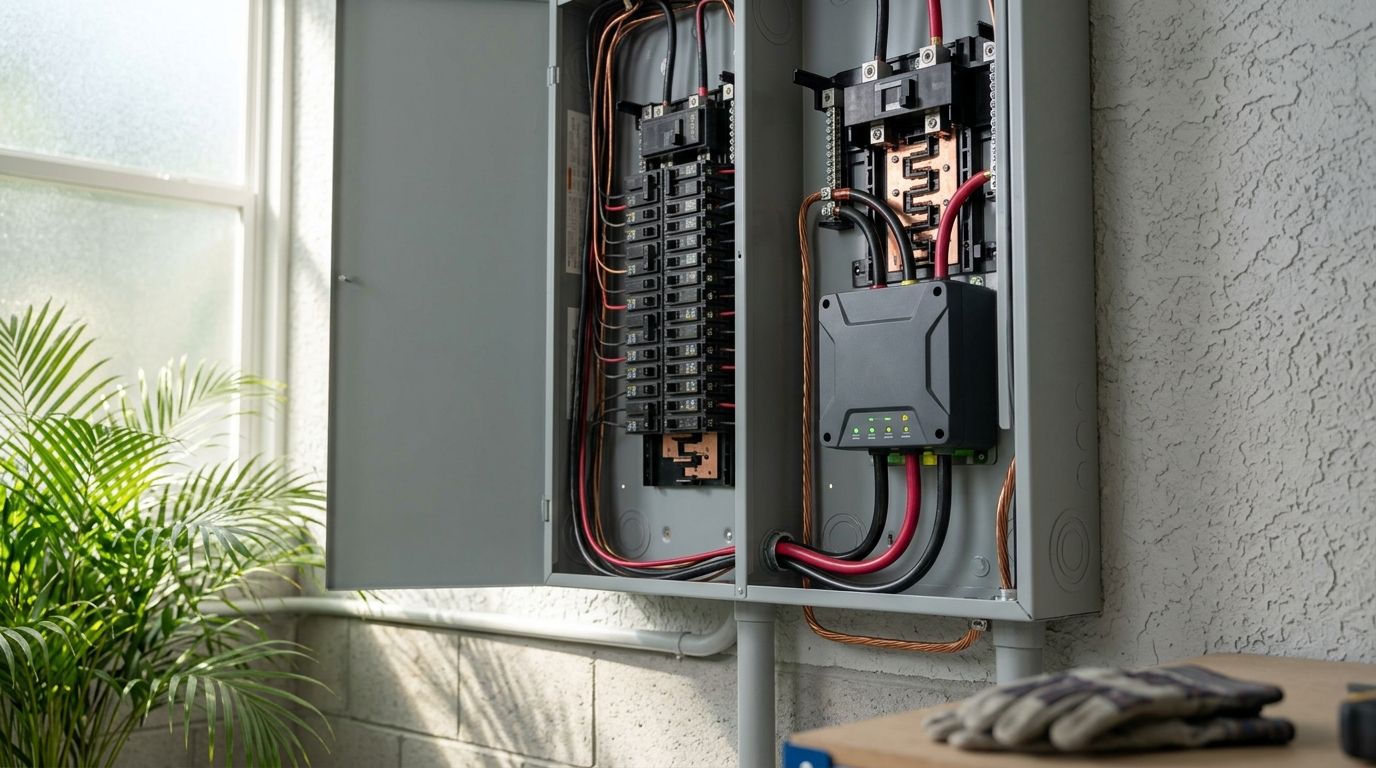
Power outages during hurricane season add a second wrinkle. A thermostat that loses its WiFi connection or schedule memory during a storm-related outage needs to reset cleanly once power is restored, whether from the grid or a standby generator. Homeowners who pair a smart thermostat with backup power planning get more consistent comfort year-round than those who treat the two as separate projects.
A smart thermostat installed and configured correctly on a Treasure Coast home cuts AC runtime during peak humidity months — one installed without a compatibility check just adds a screen to a system that still runs the same.
Update your HVAC compatibility check
Before buying anything, confirm what's actually behind the wall plate. Most smart thermostat failures on older Florida homes trace back to missing or incompatible wiring, not the device itself.
- Check for a C-wire (common wire) at the existing thermostat — many homes built before 2000 don't have one
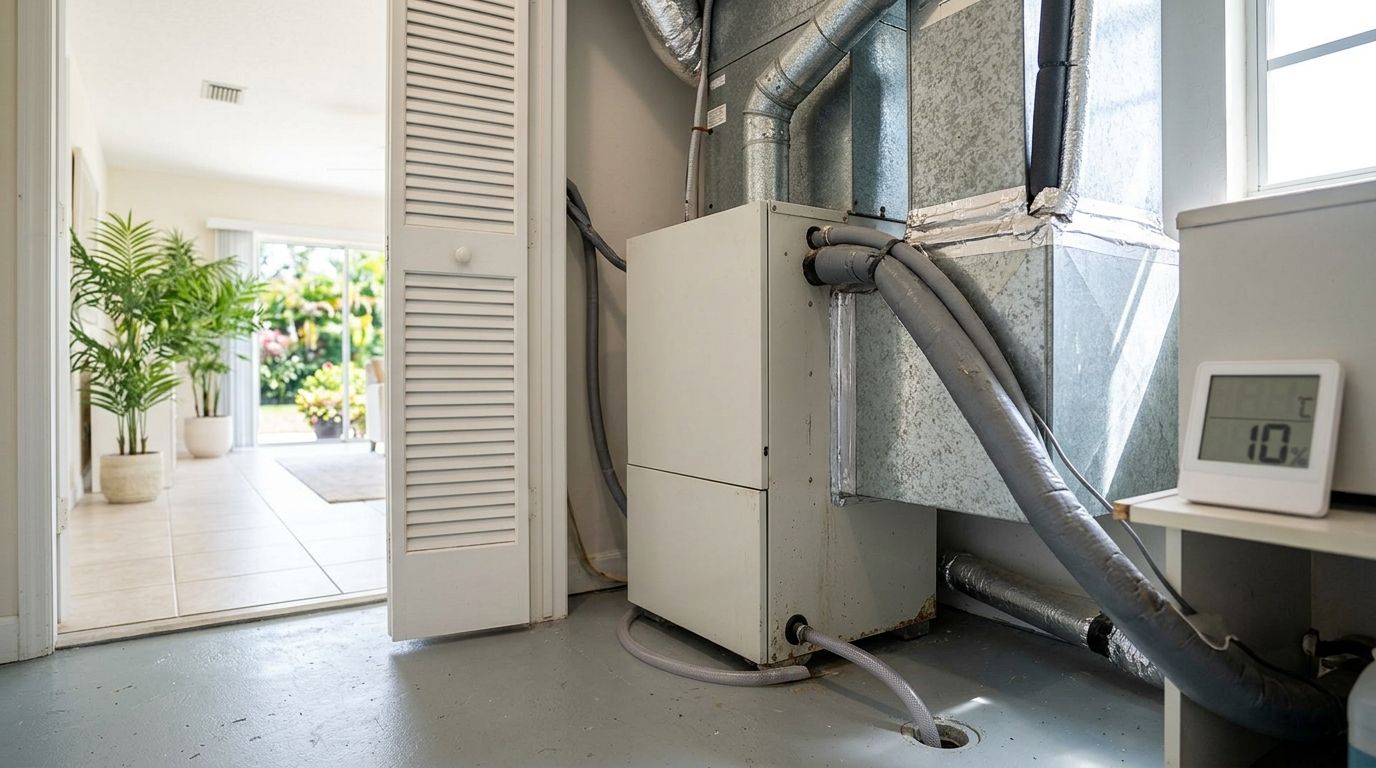
- Identify whether the system is single-stage, two-stage, or a heat pump, since each needs different thermostat wiring
- Note the voltage type: line-voltage baseboard systems need a different thermostat class than low-voltage central air
- Confirm whether the outdoor unit is a heat pump (common in coastal Florida) versus straight AC with gas or electric heat strips
- Photograph the existing wiring terminals before removing the old thermostat
Measure your home's humidity and zoning needs
A thermostat that only tracks temperature misses half the comfort equation in a climate where indoor humidity regularly sits above 55%.
- Look for models with a built-in or add-on humidity sensor, not just temperature
- Check whether the home has one thermostat covering multiple stories or wings — single-zone control struggles in larger Treasure Coast homes
- Note rooms that run warmer or more humid than others (typically west-facing rooms and rooms over garages)
- Decide if a dehumidify-only fan mode is worth prioritizing in the thermostat's settings menu
Choose thermostat placement carefully
Placement errors cause more "broken" smart thermostats than actual hardware failures. A sensor reading a hallway vent draft or direct sun through a window reports the wrong temperature to the whole system.
- Mount on an interior wall, away from direct sunlight and exterior doors
- Keep at least 3 feet from supply vents, floor lamps, and electronics that generate heat
- Avoid walls shared with a garage, attic hatch, or lanai door
- Install at standard thermostat height (roughly 52-60 inches) for accurate air sampling
- Skip mounting near a kitchen if the home has an open floor plan — cooking heat skews readings
Decide between DIY and professional installation
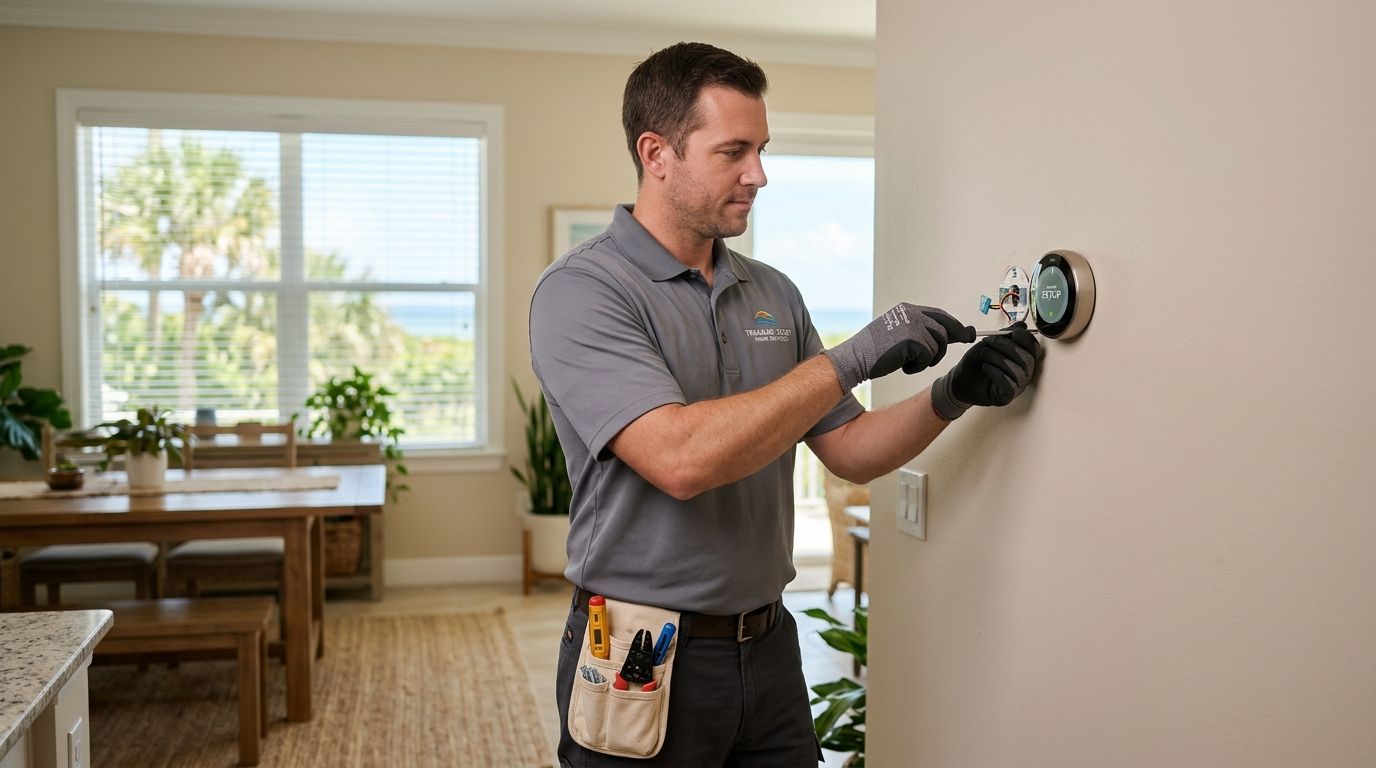
Single-stage systems with an existing C-wire are within reach for a confident DIY installer. Multi-stage systems, heat pumps, and homes with no C-wire usually call for a licensed technician to avoid tripping a breaker or damaging the low-voltage board.
- DIY works when the system is single-stage and a C-wire is already present
- Add a C-wire adapter kit only as a temporary fix — a hardwired C-wire is more reliable long term
- Professional installation makes sense for two-stage systems, dual-fuel heat pumps, or zoned systems with multiple air handlers
- A licensed technician verifying a properly sized air conditioner can flag if the thermostat's stage settings don't match the equipment before it's mounted
- Get a walkthrough of the app setup and geofencing before the technician leaves
Set up scheduling and geofencing for Florida's climate
Default schedules built for a northern climate don't fit a house that needs cooling in January and July alike.
- Set a wider temperature swing overnight (2-3 degrees) to reduce short-cycling
- Use geofencing to bump the setpoint up when the house is empty during work hours, rather than a fixed daytime schedule
- Build in a humidity-triggered fan override for muggy afternoons, if the model supports it
- Avoid aggressive setback schedules greater than 4-5 degrees — the AC works harder to recover than it saves during setback
Protect the thermostat and system during power interruptions
A hurricane-season outage that kills WiFi for hours shouldn't mean the thermostat forgets its schedule or defaults to a setting that overworks the compressor on restart.
- Confirm the thermostat retains its schedule locally, not only in the cloud, during an outage
- Pair smart thermostat installation with a home already wired for backup power through a generator transfer switch installation so the AC restarts cleanly
- Set a delay-on-restart if the model supports it, to avoid multiple appliances drawing power simultaneously when the grid comes back
- Check the thermostat's battery backup status seasonally, before June 1
Get your thermostat installed right
Licensed HVAC technicians confirm compatibility before anything gets mounted.
Monitor performance after installation
The first two weeks after installation tell you whether the setup actually fits the home.
- Track runtime reports in the app during the first humid week to confirm the AC isn't short-cycling
- Compare the electric bill against the same month last year, not just the prior month
- Watch for "wait to cool" or compressor-protection delay messages, which usually mean the stage settings are wrong
- Recalibrate the humidity sensor if readings drift more than a few points from a separate hygrometer
Comparison: thermostat installation options for Treasure Coast homes
| Option | Best for | Key limitation |
|---|---|---|
| DIY smart thermostat swap | Single-stage systems with an existing C-wire | No professional verification of stage settings or sizing |
| Licensed professional installation | Multi-stage systems, heat pumps, zoned homes | Requires scheduling a technician visit |
| Basic programmable (non-smart) thermostat | Renters or homeowners who don't want app control | No remote access, no humidity sensing, no geofencing |
| Smart thermostat paired with AC service visit | Homes overdue for AC maintenance or a system health check | Bundled scope means more coordination up front |
Verdict: professional installation wins for any Treasure Coast home with a heat pump, two-stage compressor, or no existing C-wire — DIY is fine for straightforward single-stage systems with wiring already in place.
Common mistakes Treasure Coast homeowners make
- Skipping the C-wire check and relying on a battery-only adapter, which drains faster in humid climates and causes intermittent WiFi drops
- Mounting the thermostat on an exterior-facing wall in a home with heavy west sun exposure, which triggers the AC to overcool the rest of the house
- Ignoring the humidity setting entirely and running temperature-only control, which leaves the home feeling clammy even at a comfortable temperature
- Setting an aggressive nighttime setback on a system already undersized for the home's square footage, which extends recovery time and spikes runtime
- Installing a smart thermostat on a system that hasn't had a tune-up in over a year, masking a refrigerant or airflow problem behind a nicer screen
“A smart thermostat can't fix a refrigerant leak or a dirty coil — it just reports how hard the system is working to compensate for one.”
FAQ
How much does smart thermostat installation cost in 2026?
Cost depends on wiring complexity and whether a C-wire already exists; homeowners should confirm current pricing directly with a licensed technician since it varies by system type. A pre-installation compatibility check helps avoid surprise costs from added wiring work.
Do I need a C-wire for a smart thermostat?
Most smart thermostats need a C-wire (common wire) for continuous power, and many Florida homes built before 2000 don't have one installed. A C-wire adapter kit is a workaround, but a hardwired C-wire is more reliable long term.
Can I install a smart thermostat myself in Florida?
DIY works for single-stage AC systems with an existing C-wire, but multi-stage systems and heat pumps common on the Treasure Coast usually need a licensed technician to set the stage configuration correctly. A wrong stage setting causes short-cycling and higher bills.
Will a smart thermostat lower my electric bill in a humid climate?
ENERGY STAR estimates certified smart thermostats save around 8% annually on heating and cooling costs when scheduled correctly. Savings depend on humidity settings and setback schedules matching how the home is actually used.
What happens to my smart thermostat during a power outage?
Most smart thermostats retain their local schedule through short outages but lose WiFi connectivity until the router and modem restart. Pairing thermostat setup with a home already wired for backup generator power keeps the AC restart cycle from overworking the compressor.
Is a smart thermostat compatible with a heat pump?
Many smart thermostats support heat pumps, but the wiring and stage configuration differ from a standard AC-only system, which is why heat pump installs are better suited to a professional. Getting the auxiliary heat settings wrong drives up winter electric usage.
Where should a smart thermostat be placed in a Florida home?
Mount it on an interior wall, away from direct sunlight, supply vents, and exterior doors, at standard height around 52 to 60 inches. Placement near a lanai door or west-facing window causes inaccurate readings and short-cycling.
Do smart thermostats help with Florida humidity control?
Models with a built-in humidity sensor and a dehumidify-only fan mode help manage indoor humidity separately from temperature, which matters in a climate that regularly runs above 55% indoor humidity. Temperature-only models miss this entirely.
One last thing
ENERGY STAR's published estimate of roughly 8% annual savings only applies when the schedule and humidity settings actually match how the home gets used — a smart thermostat left on factory defaults in a Treasure Coast house often performs no better than the programmable model it replaced. The setup work matters more than the hardware.