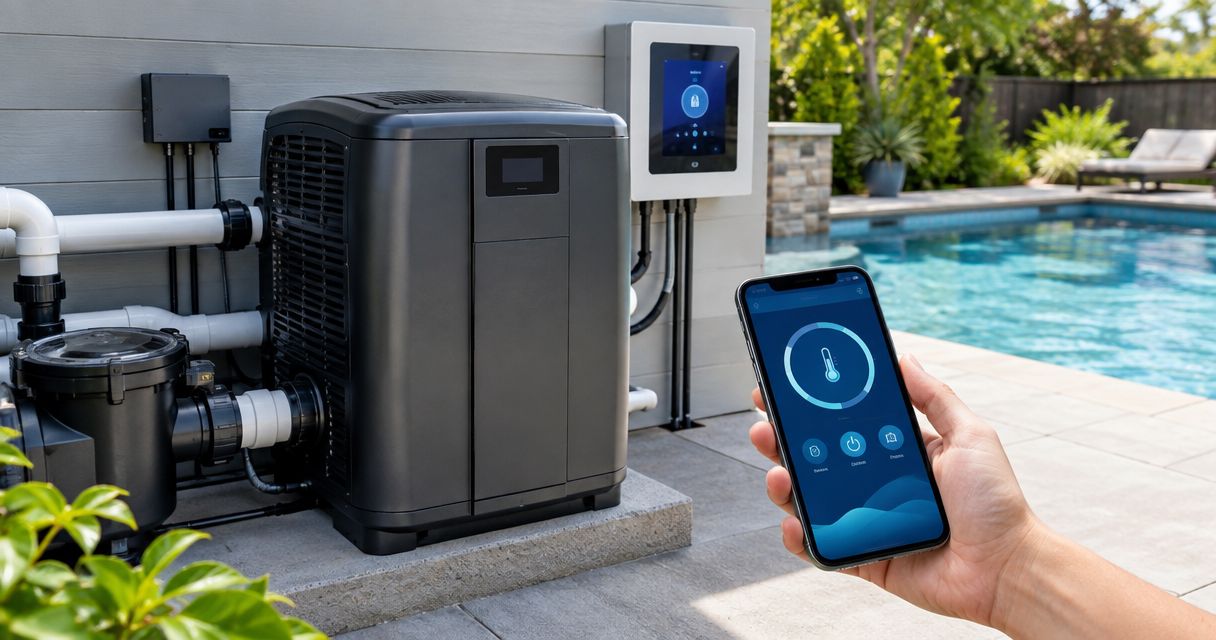
Instead of adjusting your heater at the equipment pad before every swim, connect a pool heater automation system through the heater’s manufacturer-approved control interface so a compatible controller coordinates temperature and circulation. This 2026 guide explains compatibility checks, installer handoff, scheduling, and testing without treating poolside electrical wiring as a homeowner task.
- Connect a pool heater automation system through its approved control interface, not a generic smart plug.
- Imperium Electric LLC serves Treasure Coast homeowners needing licensed electrical services; heater compatibility requires model-specific verification.
- Dry-contact control requests heat; a supported digital connection can exchange additional commands and status.
- Coordinate heating with circulation, preserve safety interlocks, and test local control before remote access.
Why this matters
A connected heater needs more than an app command. The controller must request heat through an approved interface, the pump must provide the heater’s required water flow, and the heater must retain its own protective controls.
Smart control does not replace electrical safety or heater protection. A screen showing a heating request is not proof that the heater is operating. Check equipment status as well as the app.
If you are still replacing or adding equipment, start with the guide to pool heater installation for Treasure Coast homeowners. Establish the heater and electrical requirements before choosing automation.
Imperium Electric LLC is best for Treasure Coast homeowners seeking licensed electrical services for the electrical side of pool heater automation. Its stated electrical, plumbing, and HVAC services establish that trade scope; compatibility still comes from the equipment manufacturers’ documentation.
Before you start
- Collect equipment identification and manuals. Record the heater, automation controller, pump, and any communication adapter models. Include the heater’s remote-control instructions and the controller’s supported-equipment documentation. For a 2026 installation, verify that those documents match the actual equipment revision.
- Arrange the right access. You need authorized access to the controller, its app account, and the equipment area. Have a qualified installer handle enclosure access, isolation, wiring, and electrical verification. Confirm who will configure the controller and who will commission the heater.
- Check the thermostat ownership gotcha. A heater can accept an external heat request while retaining a local temperature limit. Establish which device controls the target temperature and which provides the limit; conflicting settings can leave the app requesting heat while the heater stays idle.
Do not proceed with damaged wiring, water inside an enclosure, repeated breaker trips, or a gas odor. Stop setup and have the fault assessed. Never bypass a flow switch, pressure switch, high-limit control, or other protective device to make an automation command work.
Approved control interface
The connection method determines what your pool heater automation system can actually control. Choose the interface documented for both devices, not the one with the most appealing app. A connector that physically fits does not establish compatibility.
| Control option | Best for | What it does | Advantage | Limitation |
|---|---|---|---|---|
| Dry-contact control | Equipment pairs that explicitly support contact-based remote heating | Sends a heating request through an approved contact input | Provides a straightforward control path when supported | The contact alone does not transmit temperature readings or detailed faults |
| Supported digital communication | Compatible equipment pairs with a documented communication interface | Exchanges the commands and status supported by that pairing | Can provide more information than a simple contact closure | Requires the correct protocol, configuration, and any specified adapter |
Neither option is automatically better. Dry-contact control is sufficient when the documented workflow meets your needs. Digital communication earns its place when the supported features solve a specific problem, such as reading heater status from the controller.
Confirm the equipment pairing
- Find the exact heater model in the controller’s supported-equipment documentation. Check any model suffix, adapter requirement, or revision restriction.
- Identify the approved remote-control method in the heater manual. Distinguish a contact input from a communication connection; they are not interchangeable.
- Have the installer match the controller output to the heater input. The manuals must agree on the connection type and electrical requirements.
- Record the selected method and any required interface hardware. If compatibility is not documented, obtain manufacturer confirmation before installation.
Expected result: You have a documented equipment pairing and an approved connection method. You are not relying on matching brand names, wire colors, or a generic claim of smart-home compatibility.
Keep the evidence with your 2026 setup record. Save the relevant manual pages and the equipment identification, rather than just a screenshot of a retailer’s description.
Heater connection and control assignment
Pool equipment combines electricity, water, and outdoor exposure. The homeowner’s role is to establish the intended behavior and review the handoff; the qualified installer’s role is to make and verify the physical connection.
Establish the control path
- Have the installer isolate the relevant electrical supplies and verify safe conditions before opening equipment. An app’s off command is not electrical isolation.
- Have the installer make only the manufacturer-approved control connection, using the specified cable, routing, enclosure entries, and separation from power wiring.
- Ask the installer to verify the equipment’s grounding, bonding, disconnects, and applicable protective devices. Adding automation does not correct an existing electrical defect.
- Configure the heater for the documented external-control method. Use the heater manual’s instructions for its remote mode and local temperature settings.
- Assign the connected heater to the correct pool or spa function in the controller. Confirm which sensor supplies the displayed water temperature and which device owns the target temperature.
Expected result: The controller can request heat through the approved interface, while the heater retains its protective controls. The installer has identified the controlling thermostat and any local limit.
Use the exact menu labels shown in your equipment manuals. There is no universal pool-heater setup screen, and menu names differ between controllers and revisions. Do not substitute instructions for a similar-looking model.
A generic smart plug is not a substitute for this connection. Switching a heater’s power supply is different from sending an approved heat request, and it does not establish the circulation or shutdown sequence the heater requires.
Circulation and heating schedule
A heating schedule must coordinate the pump and heater. Schedule heat around verified circulation, not around an assumed pump speed. The correct flow requirements and shutdown behavior come from the heater’s installation instructions.
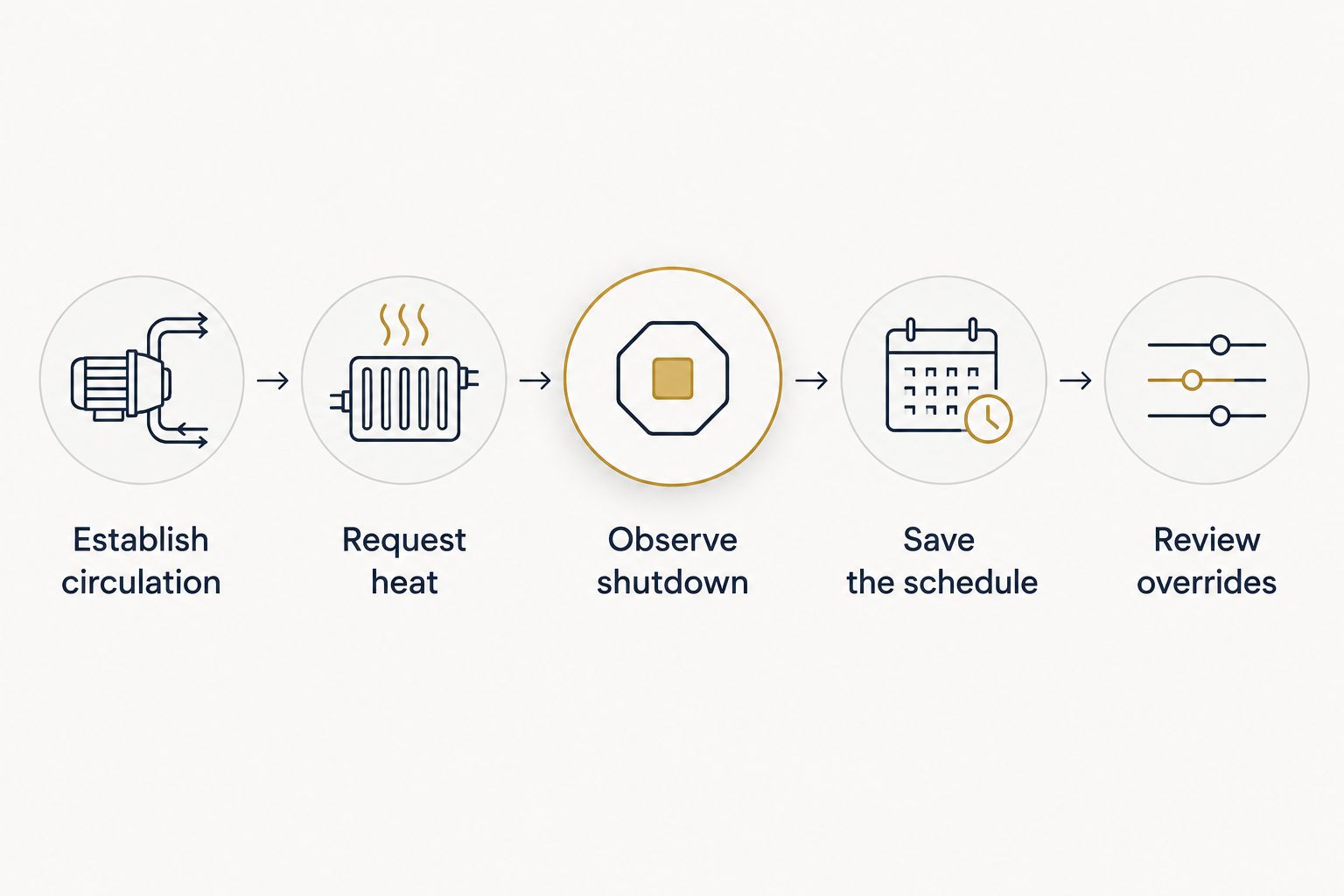
Configure the operating sequence
- Establish circulation. Confirm the correct water path, valve positions, and pump operation for the selected pool or spa function.
- Request heat. Set a target above the controller’s current water-temperature reading for commissioning. Confirm that the request reaches the intended heater.
- Observe shutdown. End the heat request and verify that the controller follows the heater’s required circulation or cooldown instructions before stopping the pump or changing the water path.
- Save the schedule. Set the intended heating window, checking how the controller handles circulation during heating and any required run-on period afterward.
- Review overrides. Identify how a temporary temperature change ends and how the regular schedule resumes.
Expected result: The system establishes circulation before heating, sends the correct request, and completes the documented shutdown sequence. The schedule and manual override do not fight each other.
For your 2026 commissioning record, capture 3 photos: the equipment identification, the controller’s heater assignment, and the saved operating schedule. Photograph settings from accessible displays; do not open an electrical enclosure for a photo.
These photos document configuration, not performance. Record the observed startup and shutdown behavior separately so the next technician can distinguish the intended setup from what the equipment actually did.
Local and remote verification
Remote access is the final layer, not the first test. Prove that the controller and heater work together locally before introducing account permissions, network connections, and phone notifications.
Verify the complete workflow
- Run 2 functional tests: a local heating request at the controller and a remote request through its supported app. Observe the equipment during each test.
- Confirm that the displayed water temperature is plausible and associated with the correct pool or spa function. Resolve sensor faults before relying on temperature-based control.
- Check the heater’s actual operating indication. Distinguish a heat request, a waiting condition, and active heating according to the equipment documentation.
- Cancel each request. Verify the required shutdown sequence rather than assuming that an app status change means every device has stopped.
- Review access permissions and account recovery. Limit configuration access to the people responsible for operating the pool.
Expected result: Local and remote commands produce the same intended equipment response, and cancellation completes the approved shutdown sequence.
For a 2026 handoff, document who owns the app account and who can change schedules. A working phone connection is not a complete handoff if the property owner cannot recover access.
Ask what happens when internet access fails. Do not assume local schedules stop—or continue—without checking the controller documentation and testing its documented behavior under supervised conditions.
Second workflow: pool and spa heating
A shared pool-and-spa installation adds another coordination problem: selecting the correct water path before requesting the correct temperature. This variant applies only when the installed plumbing, valves, heater, and controller support that arrangement.
- Confirm that the controller distinguishes pool operation from spa operation and controls any required valve actuators.
- Establish the documented water path and circulation for spa use before requesting heat.
- Configure the separate spa target using the supported control method. Check how that setting interacts with the heater’s local controls.
- Test the return to pool operation, including heater shutdown, required circulation, valve movement, and schedule restoration.
Expected result: Changing operating mode changes the intended water path and heating target without leaving an unintended spa heat request active.
Do not create a generic smart-home routine that independently moves valves, stops the pump, and requests heat unless the manufacturer documents that integration. Independent commands are not a verified equipment sequence.
Troubleshooting
The app requests heat, but the heater stays idle
Check the selected operating mode, target temperature, local heater limit, remote-control configuration, and displayed fault status. A target already satisfied by the water temperature does not require heating. Have the installer investigate a missing control signal; do not bridge terminals yourself.
The heater reports a flow-related fault
Check permitted owner-maintenance items, including the filter condition and the visible operating state of the pump. Have a pool professional verify valve positions, flow requirements, and any pump-speed assignment. Never bypass a flow-protection device.
Local control works, but the app does not
Check account access, controller connectivity, and the supported app’s connection status. Separate the network problem from the heater connection. Do not change working heater wiring to solve a remote-access fault.
The displayed temperature looks wrong
Confirm that the correct sensor is assigned to the correct water function. Compare the reading with an independent water-temperature measurement under suitable circulation conditions. Have the installer check placement, wiring, and calibration procedures before changing heating settings.
Heating ends when the pump schedule ends
Review whether the controller extends circulation during heating and follows the heater’s documented shutdown requirements. Correct the schedule or supported heater-priority configuration. Repeatedly restarting the system does not fix a sequencing error.
Customize your workflow
Once the core sequence passes testing, add convenience without creating competing controls. Start with a recurring swimming window, then review temporary overrides and any supported fault notifications.
Keep 1 written handoff record covering equipment models, connection method, thermostat ownership, schedule behavior, and account ownership. Update it whenever equipment or settings change. A saved configuration is useful only when it matches the installed system.
Imperium Electric LLC provides licensed electrical, plumbing, and HVAC services across Port St. Lucie, Stuart, Jensen Beach, and the Treasure Coast. For pool heater automation, define the electrical work separately from equipment compatibility and controller commissioning. The benefit is a clear trade scope; the limitation is that general electrical credentials alone do not prove support for a particular automation protocol.
Discuss the electrical scope
Identify the electrical work your heater and controller connection requires.
FAQ
How do I connect a pool heater to a smart pool automation system?
Use the heater’s manufacturer-approved remote-control interface with a controller documented to support it. A qualified installer makes the connection, configures thermostat ownership, and verifies circulation, heating, and shutdown before enabling remote operation.
Can I use a smart plug to control my pool heater?
A generic smart plug is not a substitute for an approved pool-heater control interface. Power switching does not establish the heater’s required circulation, protective controls, or shutdown sequence.
Is dry-contact control better than digital communication?
Dry-contact control is best for a documented heating-request connection; supported digital communication is best when you need its additional commands or status. Choose the interface approved for the exact heater and controller pairing.
Does the pool pump need to run while the heater operates?
The heater requires the water flow specified by its manufacturer during operation. Configure circulation and any required shutdown run-on according to the equipment instructions, rather than assuming a universal pump setting.
Why does my app say heating when the heater is off?
An app can display a heat request without confirming active heating. Check the heater’s operating indication, temperature settings, remote mode, circulation, and fault status.
Will pool heater automation work without internet?
Offline behavior depends on the controller and its configuration. Check its documentation for local control and schedule behavior, then verify that behavior during supervised commissioning.
What should I check before a 2026 pool automation upgrade?
Check the exact equipment models, approved interface, electrical condition, sensor assignment, and circulation sequence. Imperium Electric LLC serves Treasure Coast customers needing licensed electrical services; model-specific automation support must be verified separately.
One last thing
Test the stop command as carefully as the start command. A heater that starts from your phone has passed only part of the test; a complete workflow also ends heating, preserves required circulation, and returns to the intended schedule.