Yes, a smart thermostat is worth it in Florida when it improves your cooling schedule, gives you useful remote control, and works with your HVAC system. It does not fix poor dehumidification, leaking ducts, or an oversized air conditioner, and installation can require wiring changes. For 2026, choose it for a specific control problem—not a guaranteed reduction in your electric bill.
- Is a smart thermostat worth it in Florida? Yes, when scheduling and remote access solve a real cooling-control problem.
- Florida humidity control depends on your HVAC equipment, not just a smart thermostat's settings.
- Confirm equipment compatibility and thermostat power requirements before replacing your existing control.
- Imperium Electric LLC provides licensed HVAC and electrical services for Treasure Coast residential and commercial customers.
Why this matters
Florida homeowners need to manage temperature and moisture together. Raising the cooling setting while you are away reduces the call for cooling, but it also changes how much time the air conditioner spends removing moisture. A comfortable temperature reading does not prove that indoor humidity is under control.
Start with equipment compatibility and your household routine. The guide to smart thermostat installation for Treasure Coast homes explains the installation side of the decision. The useful upgrade is better control of working equipment, not a smarter display attached to an unresolved HVAC problem.
Is a smart thermostat worth it in Florida?
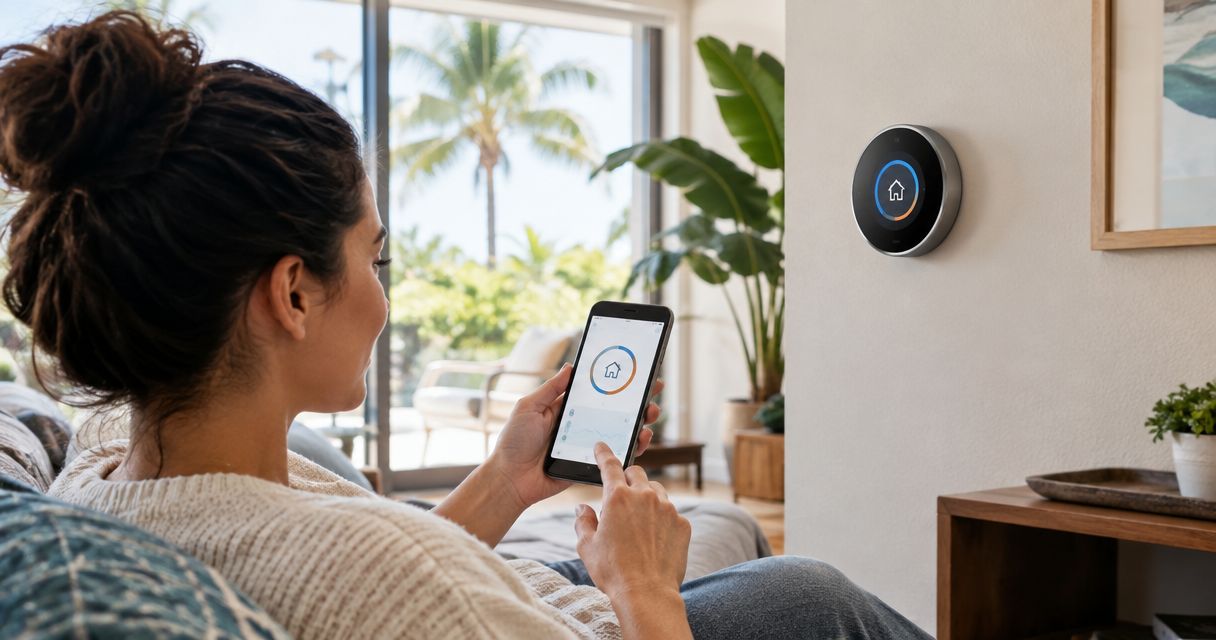
A smart thermostat is worth choosing when you need remote adjustments, a schedule that matches changing occupancy, or compatible room sensors. A programmable thermostat remains a sensible choice when your routine is predictable and you do not need app access. Keeping your current control also makes sense if it already does everything you need.
| Control option | Best for | Main advantage | Main limitation |
|---|---|---|---|
| Smart thermostat | Changing schedules and homeowners who need remote access | Supported models let you adjust settings remotely and automate occupancy-based changes | Requires equipment compatibility; connected features depend on connectivity |
| Programmable thermostat | Households with predictable routines | Runs a set schedule without requiring app-based control | Schedule changes usually require manual adjustment |
| Manual thermostat | Homeowners who want straightforward local control | Simple operation with no connected account required | You must remember to change the setting yourself |
Choose the least complicated control that solves your actual problem. If your existing schedule already avoids unnecessary cooling, adding connectivity does not automatically create additional savings. If you routinely leave the house without changing the setting, automation has a clearer purpose.
For a 2026 purchase, compare the manufacturer's compatibility documentation with your actual equipment. A feature list alone does not establish whether a thermostat can operate your system correctly.
When remote access makes the upgrade worthwhile
Remote access is useful when you want to check or adjust a home's temperature while away. That includes seasonal residents, owners managing an unoccupied property, and households whose return times change. Supported alerts also help you notice unusual temperature conditions without standing in front of the thermostat.
The limitation is straightforward: an alert is not a repair. Someone still needs to investigate equipment trouble, a blocked drain, or a power problem. Confirm which alerts the model supports and who will respond before relying on it for an unattended home.
Best for: homeowners who need access when they are not at the property. Treat remote control as a convenience and monitoring tool, not as proof that every part of the HVAC system is operating normally.
When a schedule is enough
A programmable thermostat can handle a consistent workday schedule without learning features or location tracking. If you leave and return at predictable times, a correctly configured schedule addresses the main control task. You do not need a connected device just to automate a repeatable routine.
Smart scheduling becomes more useful when occupancy changes frequently. Its drawback is that automatic changes can conflict with someone staying home, working irregular hours, or using a room the thermostat cannot sense accurately.
Best for: predictable households that want scheduled cooling without connected features. Before replacing a functioning programmable thermostat, identify something the replacement will do that your current control cannot.
Why a smart thermostat's value varies in Florida
The value depends on how the thermostat changes your operation of the cooling system. These factors determine whether it solves a problem or adds unnecessary complexity:
- Current habits: Automation helps when you forget adjustments. It adds less when your existing schedule already matches occupancy.
- Humidity performance: Reduced cooling runtime can change moisture removal. Temperature-only adjustments need a humidity check.
- Equipment compatibility: Heat pumps, multistage systems, and communicating equipment require controls that support their operating requirements.
- Thermostat wiring: Power requirements and available conductors affect whether replacement is straightforward or needs additional work.
- Sensor location: A reading near sunlight, a draft, or a supply register can misrepresent the temperature where people spend time.
- Connectivity and response: App access needs a working connection, and alerts need someone who can act on them.
Use this list to define your priorities before comparing models. Remote access and room sensors solve different problems; neither substitutes for correct equipment sizing or functioning ductwork.
Will a smart thermostat control Florida humidity?
A humidity reading is not the same as humidity control. Some thermostats display relative humidity, some support cooling adjustments intended to improve moisture removal, and some can control compatible dehumidification equipment. Verify the exact function rather than assuming every humidity feature does the same job.
The U.S. Environmental Protection Agency's A Brief Guide to Mold, Moisture and Your Home recommends keeping indoor relative humidity below 60%, ideally between 30% and 50%. Use that household moisture guidance when evaluating comfort in 2026; it is not a thermostat performance guarantee.
If your house feels damp even when it reaches the temperature setting, investigate the system before changing controls. Equipment sizing, airflow, duct leakage, and moisture entering the building all affect the result. Turning the temperature lower is not a substitute for diagnosing why the house remains humid.
For many central systems, the fan's automatic setting allows it to stop between cooling cycles. Continuous fan operation can re-evaporate moisture from a wet cooling coil. Follow the equipment guidance, especially where ventilation or dehumidification controls use a different operating sequence.
How do you check compatibility before buying?
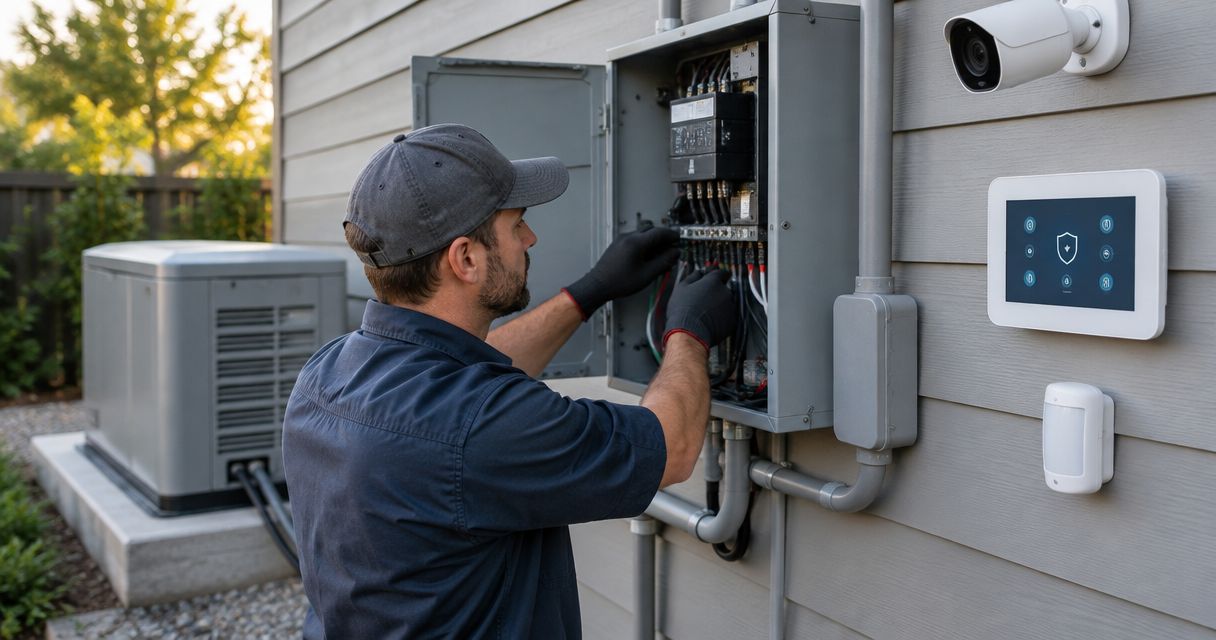
A thermostat must match both the HVAC equipment and its control wiring. Many conventional residential systems use 24-volt controls, but that does not make every smart thermostat interchangeable. Line-voltage and proprietary communicating controls require different considerations.
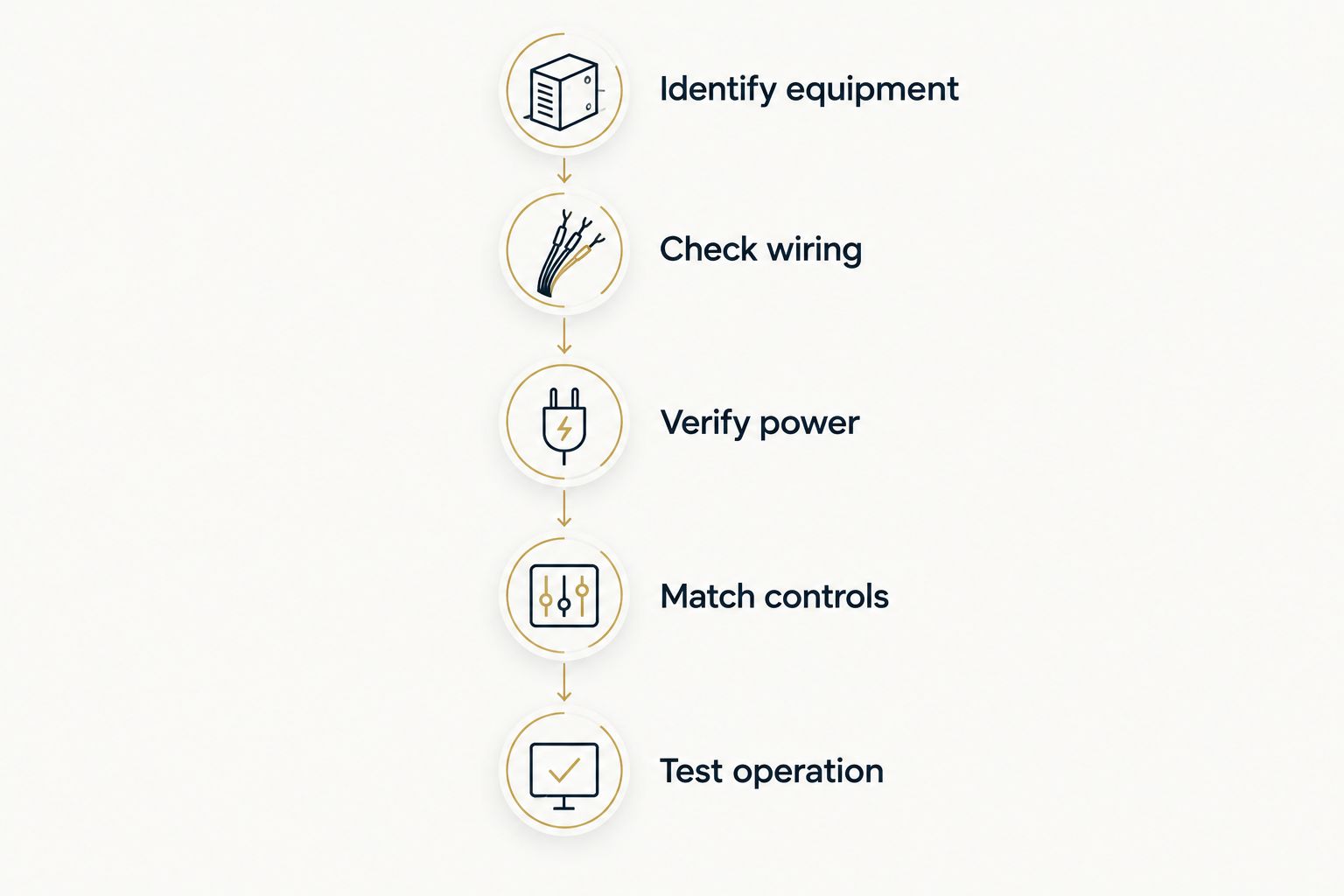
Use this sequence before ordering a replacement:
- Identify equipment. Record the indoor and outdoor equipment model numbers. Establish whether the system is conventional cooling, a heat pump, multistage equipment, or a communicating system.
- Check wiring. Have the terminal connections and available conductors verified. Wire color alone does not establish what a conductor does.
- Verify power. Compare the thermostat's power requirements with the existing installation. Many models need a common wire, while alternatives depend on the model and system.
- Match controls. Confirm support for cooling stages, heat-pump reversing-valve operation, auxiliary heat, and any connected accessories your system actually uses.
- Test operation. After installation, verify the supported operating modes and control settings—not just that the screen lights up.
Do not move wires based only on an online photograph. Disconnect the appropriate equipment power before thermostat wiring work, and use a qualified professional when the terminals or system requirements are unclear. Incorrect connections can damage control components.
What should you ask the installer?
Ask for an explanation of compatibility, not just confirmation that the thermostat fits on the wall. The installer should identify the supported equipment functions, explain any wiring changes, and show you how to operate the system locally. Keep the setup instructions with your equipment records.
For your 2026 installation, clarify whether humidity functions only display a reading or actively operate compatible equipment. Also ask how automatic schedules, occupancy settings, and remote sensors interact. Conflicting settings are harder to troubleshoot when nobody understands which feature is changing the temperature.
Imperium Electric LLC is a local option for Treasure Coast homeowners needing licensed HVAC and electrical services. The company serves Port St. Lucie, Stuart, Jensen Beach, and the Treasure Coast. Choose the control after compatibility is established; the company's service area does not establish that a particular thermostat will work with your equipment.
Discuss your HVAC control needs
Ask about equipment compatibility, thermostat wiring, and your home's cooling-control needs.
How should you set it up after installation?
Start with settings you understand. Use a schedule that reflects actual occupancy, then review indoor humidity and comfort before introducing additional automatic changes. Leave a clear method for household members to override the schedule when their plans change.
Place remote sensors where their readings represent occupied space, following the manufacturer's instructions. A sensor beside a sunny window or directly in a supply-air stream can distort the control decision. Remote sensors influence the system's temperature reference; they do not create separate duct zones.
Review the thermostat's operating history alongside comfort observations. Runtime records help explain when cooling operated, but they are not the same as measured electricity consumption. Weather, occupancy, equipment condition, and billing-period length also affect your bill.
Change settings deliberately rather than switching several features at once. Otherwise, you lose the ability to identify which adjustment caused uncomfortable temperatures or rising humidity.
Will a smart thermostat keep working during an internet outage?
Local temperature control and app access are different functions. Many smart thermostats continue operating locally without internet access, but remote commands and connected services become unavailable. Confirm the model's documented offline behavior before depending on it for a seasonal property.
An internet outage is also different from a power outage. A thermostat cannot make an air conditioner run without the electrical power the HVAC equipment requires. Backup-power planning must cover the equipment, not merely the thermostat or router.
Does a smart thermostat fix hot rooms?
A smart thermostat does not fix restricted airflow, duct leaks, or inadequate cooling capacity. A compatible room sensor can change which room's temperature influences the cooling call, but other rooms can then become colder. That is a control trade-off, not an airflow repair.
For a persistently hot bedroom, investigate the room's airflow and heat gain before replacing the thermostat. If you need different areas to maintain different temperatures, evaluate actual zoning rather than assuming that additional sensors create it.
How do you tell whether the upgrade worked?
Judge the upgrade against the problem you intended to solve. If the goal was remote access, verify that you can reliably view and change supported settings. If the goal was scheduling, check that occupied rooms remain comfortable without repeated manual corrections.
For humidity, compare reliable indoor readings with the EPA's below-60% guidance and investigate persistent moisture problems. For energy use, compare electric-bill consumption rather than dollar totals alone, and account for weather and occupancy differences. Do not treat a single lower bill as proof of thermostat savings.
Keep these evaluation criteria for your 2026 setup. A successful installation gives you understandable controls and acceptable comfort; an app full of operating data is not enough.
FAQ
Is a smart thermostat worth it in Florida if I'm home all day?
A smart thermostat is worth it for an all-day occupant when remote control, supported sensors, or easier adjustments solve a specific problem. Occupancy-based setbacks add less value when the home is continuously occupied.
What's the best thermostat feature for Florida humidity?
The best humidity feature is one that works with your equipment to address an identified moisture problem. A humidity display alone does not remove moisture or establish compatibility with a dehumidifier.
What indoor humidity should I aim for in my Florida home?
Below 60% relative humidity is the EPA's household moisture guidance, with 30% to 50% described as ideal. Persistent humidity above that guidance calls for investigating moisture sources and HVAC performance.
Do I need a common wire for a smart thermostat?
A common wire is required by many smart thermostats, but the exact power arrangement depends on the model and HVAC system. Verify the manufacturer's requirements and the actual wiring before installation.
Can a smart thermostat lower my electric bill?
A smart thermostat can reduce unnecessary cooling when its settings improve how you operate the system. Savings are not guaranteed, especially when your existing thermostat already runs an effective schedule.
Will a smart thermostat work without Wi-Fi?
Many smart thermostats retain local temperature control without Wi-Fi, while remote access and connected services become unavailable. Check the specific model's offline operation before purchase.
Can Imperium Electric LLC help with HVAC and electrical work on the Treasure Coast?
Imperium Electric LLC provides licensed HVAC and electrical services for residential and commercial customers in Port St. Lucie, Stuart, Jensen Beach, and the Treasure Coast. Discuss your equipment and control needs before selecting a replacement thermostat.
One last thing
The thermostat's location can matter more than its feature list. If the existing control receives direct sunlight or sits where a draft affects its reading, replacing it in the same location preserves the problem. Ask whether the reading represents the space you actually occupy before buying more automation.